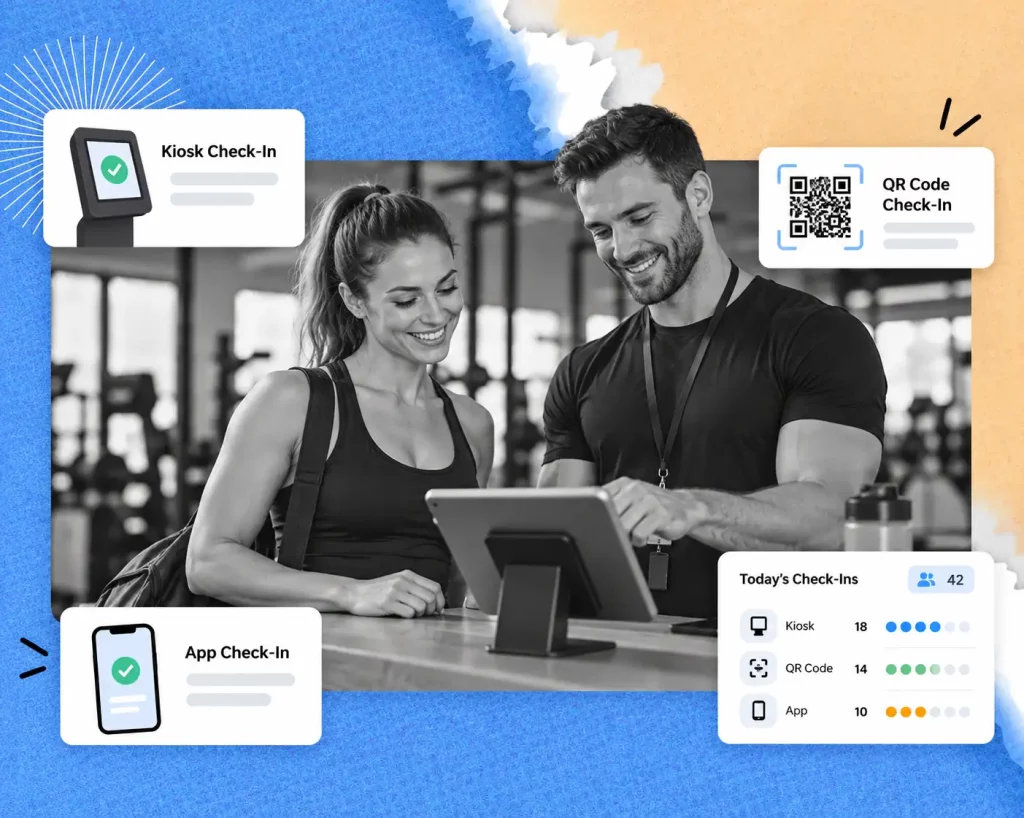
A gym check in system confirms who is allowed in, records the visit and, in many gyms, opens the door. This guide compares the six main check-in methods, explains how check-in data helps you track attendance and keep members, and shows how to choose the right system for your budget, staffing and security needs.
A good gym check-in system should allow members to conveniently check in, have memberships verified by staff, and provide automated attendance records. The best option for you will depend on your member traffic, your staffing and the access control that you want to implement.
GymRoute offers member check-in and other membership features, as well as billing, digital waivers and member loyalty. Review the features and see if they integrate with your current systems.
What is a Gym Check-in System?
A gym check-in system integrates with gym membership records and, via a computer or hardware interface, automates membership verification, attendance recording and, where appropriate, physical entry control. Systems help staff manage attendance and record-keeping without relying completely on manual processes.
Most systems perform three main functions:
Verify membership: Check a member’s identification and their right to access the gym
Record attendance: Record the time and date of the visit
Manage entry: Notify staff or activate appropriate physical entry control hardware.
A more automated system may include a tablet, a QR code scanner, a card reader, and/or access control hardware such as a door controller or a turnstile.
There are many access rules to consider, such as closed membership or 24-hour access. Making sure the system is compatible with the access hardware and rules required is very important.
Gym Check-in Systems Compared
No single gym check-in system is perfect, but some systems work well in a balance between the speed of check-in, cost of hardware, convenience of members, and level of security required. Some methods work well with a receptionist, while others work better with self-service check-in or unstaffed entry.
| Method | How it works | Hardware needed | Best for | What to consider |
| Front desk | Staff finds member record | Computer or tablet | Small, staffed gyms | Queue and staff work |
| Self check-in kiosk | Member checks themselves in | Tablet or dedicated kiosk | Peaks and class changes | Cost and complexity of hardware |
| QR code/barcode | Member presents code to be scanned | Phone and camera or scanner | Digital first gyms | Member connectivity |
| Member app | Member checks in using the app | Phone and app | Gyms with app users | App use and phone battery |
| Key Fob/card | Member taps card or fob | Card reader | Members and controlled access | Lost or shared card |
| PIN code | Member enters code on keypad | Keypad | Budget conscious | PIN sharing |
| Biometric check-in | Member scans finger or facial data | Scanner or camera | Gyms that need strong identity checks | Member data and controls |
In reality, systems can be combined. A front desk system can be used in conjunction with key fobs for after-hours access. Deciding which system to use depends on the requirements for access control, membership verification, or attendance system.
1. Self Check-In Kiosks
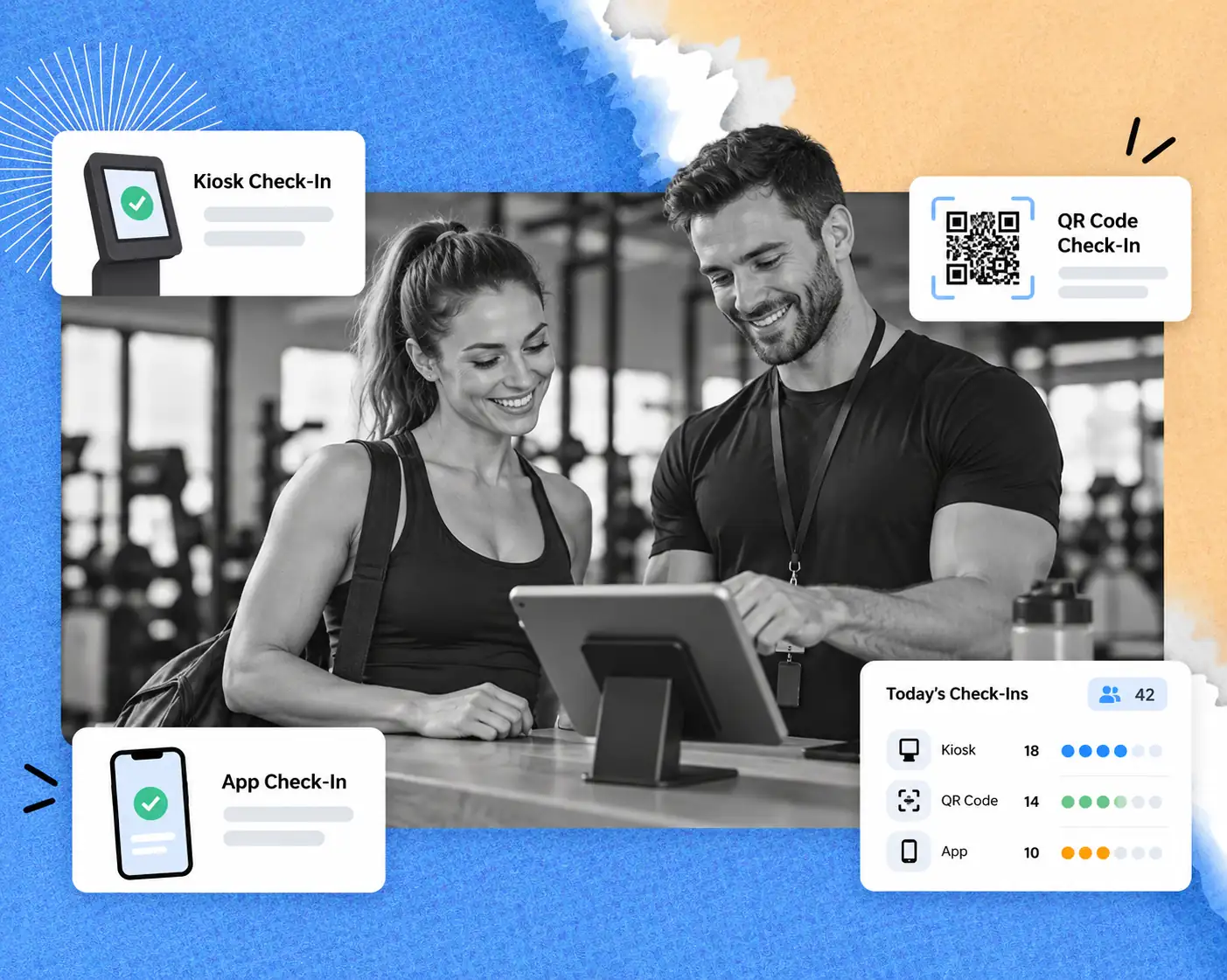
A check-in kiosk allows members to check themselves in using a tablet or dedicated terminal without the need for reception staff. This is useful during peak hours or when a lot of members arrive to attend a group class.
Tablets in kiosk mode are a good starting point for a self-service check-in system for gyms that don’t want to spend money on a dedicated terminal. Place the tablet by the gym entrance and make the instructions for check-in clear.
Make sure the self-service check-in system connects to the member records and displays member photos to confirm member status. If the system does not flag unsuccessful check-ins, members may be frustrated to find out they need to check in again. A system that displays a list of names to be checked in may save time, but it doesn’t confirm whether the member is active.
2. QR Code and Barcode Check-In
A member uses the camera on their phone to scan a QR code or barcode to check in at reception or an approved entrance. Gym management software ties the visit to the member and applies eligibility rules.
Membership cards may be scrapped or reduced in use to ease the burden of manual searches.
Ask about the system refresh rate and if screenshots of QR codes are valid. Rotating QR codes may reduce sharing; however, the system should validate the codes properly to ensure they are not in use.
Members may manage their check-in using a branded member app.
3. Key Fobs, Cards, and Taps
Key fobs, RFID cards and NFC credentials allow members to tap a reader to check in, instead of opening an app or entering a code. This can work in gyms with lots of members and a controlled point of entry. This system works with software and hardware that can integrate with their access control systems.
With lost or shared credentials, the system needs clear procedures to account for lost or shared credentials. Read our gym key fob system guide to check-in methods.
4. PIN Codes and the Sharing Problem
With individual PIN codes, members can still share them with others. Gyms can reduce this by issuing individual credentials and using a photo check-in. Staff can also be alerted to unusual activity.
How do gyms confirm PIN code sharing? They can look for repeated, closely spaced entries and check for activity that doesn’t seem appropriate for the situation. A PIN code by itself doesn’t prove who entered, so a staff member can check the photo ID.
5. Biometric and Facial Check-In
Fingerprint check-in or facial recognition check-in can also be used to verify a member. Using biometrics can reduce PIN code sharing; however, there are added responsibilities, including compliance and privacy regulations.
The Illinois Biometric Information Privacy Act (BIPA) mandates that private entities that collect biometric identifiers and/or information provide notice and obtain signed consent. Check the requirements in the Illinois statute.
This information is provided as a general reference. Legal counsel should be consulted for the application to your specific location. Some gyms use QR codes and member apps to eliminate biometric data collection.
What Should a Check-In System Check at the Door?

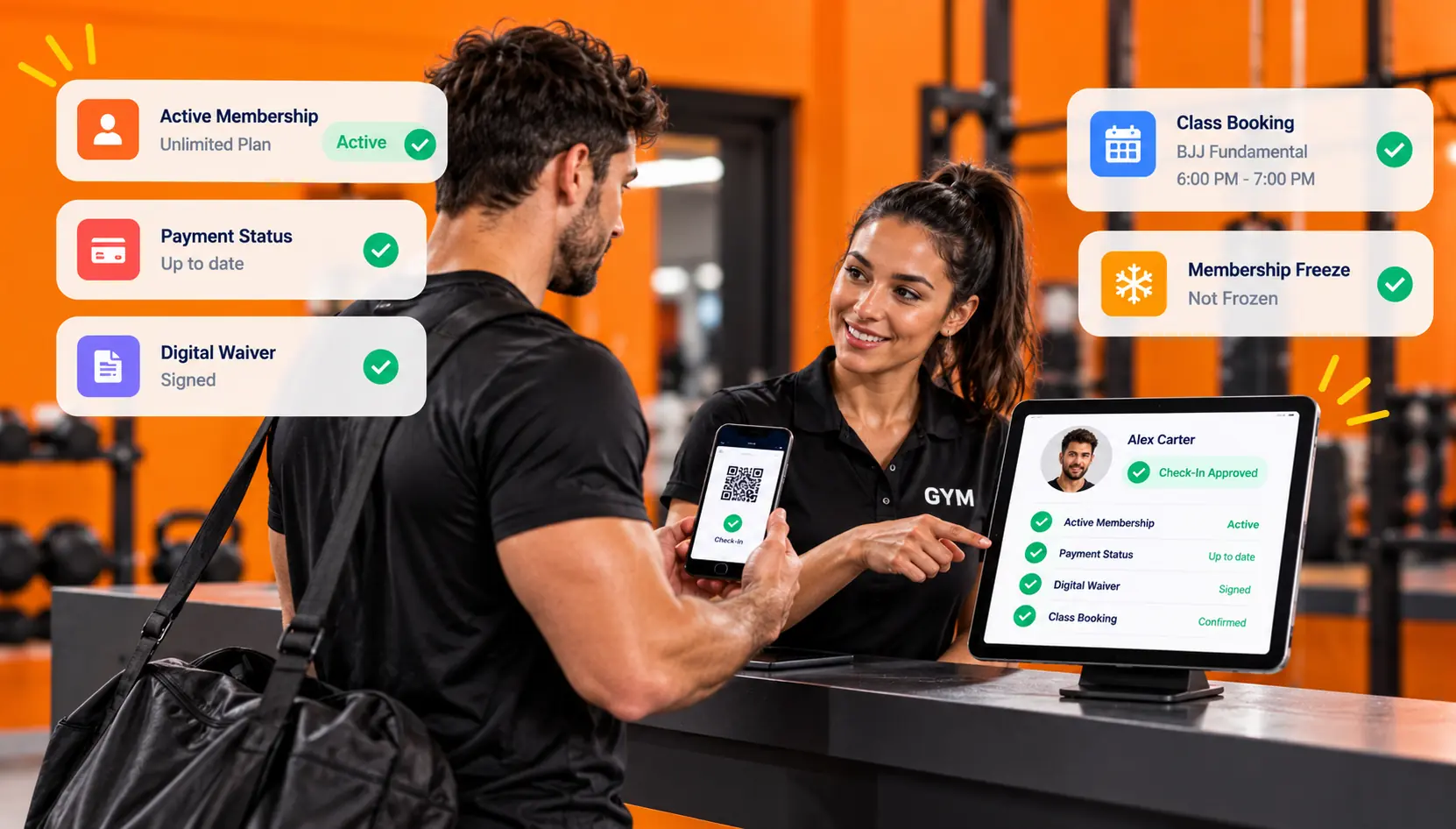
Staff should be able to verify active membership, payment status, and signed waivers, and confirm class bookings before completing the check-in process. Depending on the gym’s policies and the software’s features, other checks may be possible.
Consider these when making your selection:
Active membership: Can staff quickly identify an active member?
Frozen membership: Does the system flag a frozen account?
Failed payment/balance due: Can staff determine if the member’s payment status is due before granting access?
Signed waiver: Can the system indicate if a member has signed the waiver?
Class booking: Can staff distinguish class booking from class attendance?
Guest or day pass: Can the system identify a guest pass, set usage limits, and determine if a member is using a guest pass to bypass system checks?
The system should deny access if the exception applies. A vendor may be able to explain how the system works to meet your exceptions. Do not make assumptions about how the system behaves unless the vendor confirms the behavior.
For paperwork, connect process to digital waivers where supported. For class-based gyms, check how class booking and class attendance connect, as booking a class and actually attending the class are different events.
How Attendance Software for Gyms can Help you Retain Members?

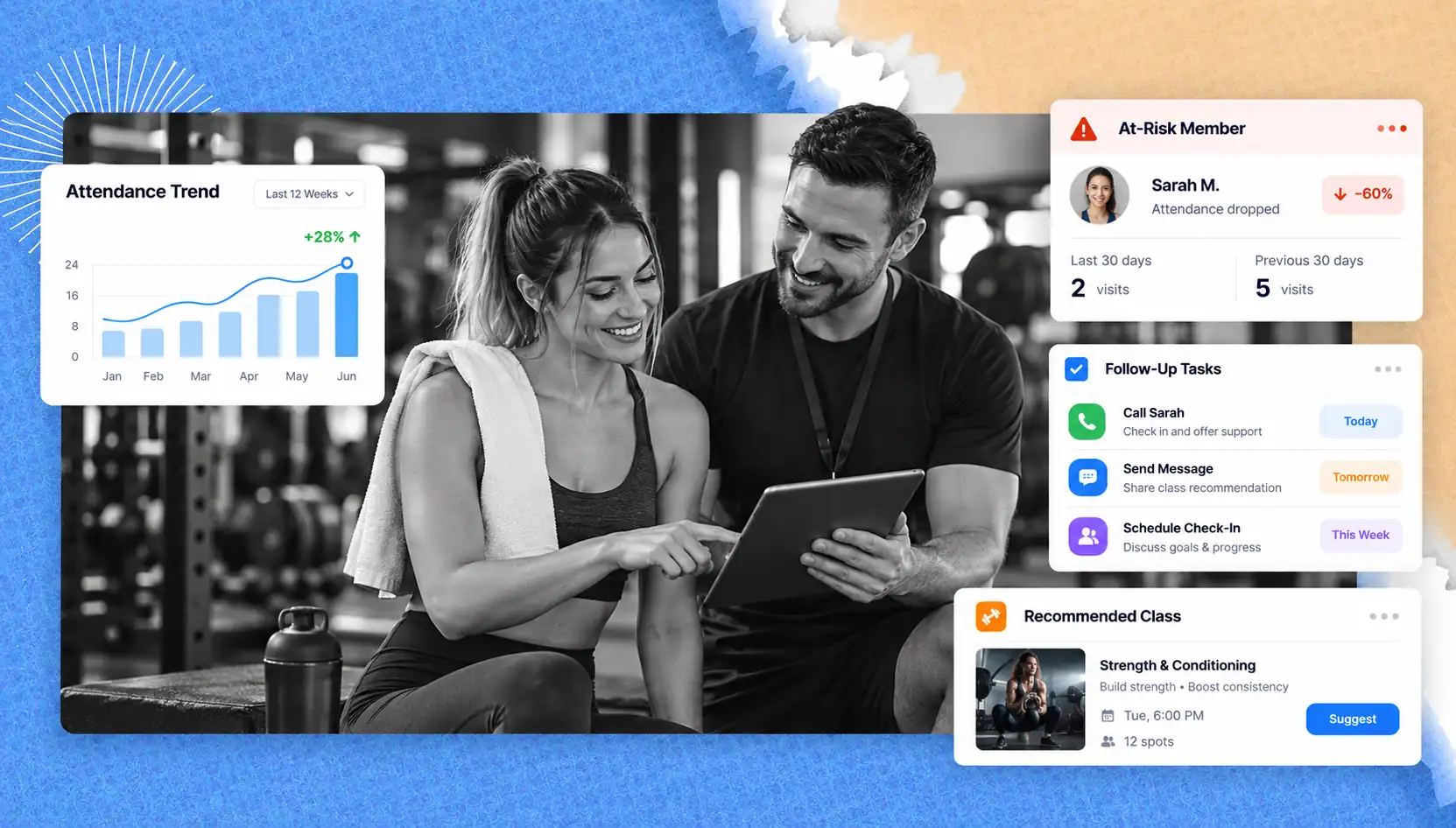
Attendance software helps you spot a member who may cancel by showing when their visits start to drop. When a regular member’s visits fall, staff get an alert and can reach out, help with whatever is getting in the way, or suggest a class that fits their goals better.
Visit frequency and retention are closely linked. In research published in Health Club Management in 2019, Dr Paul Bedford found that members who visited twice a week stayed about seven months longer than members who visited once a week. Members who visited three or more times a week stayed about 28 months longer. The data comes from UK clubs, so results in the US may differ.
The Health & Fitness Association’s 2025 Fitness Industry Benchmarking Report puts average member retention at 66.4% for 2024. Use it as a reference point, not a forecast for your gym.
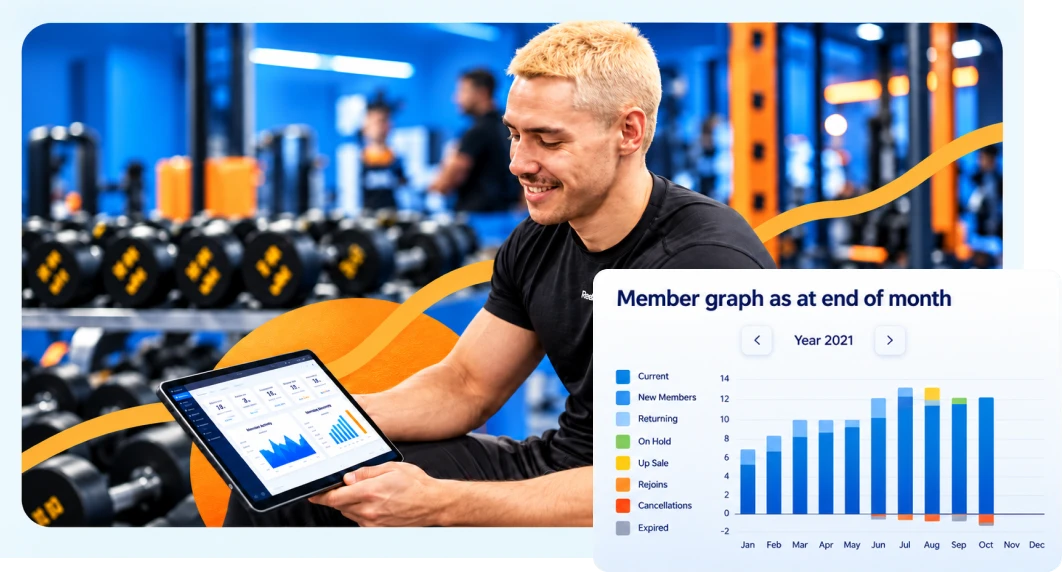
When you compare fitness center check-in software, check that it records visit history, shows attendance trends and produces the reports your staff will use. Features vary by plan, so confirm the ones you need are included.
Loyalty points for check-ins give members another reason to keep coming. Rewards work best alongside personal contact from staff, not in place of it.
Check-In for 24-hour and Unstaffed Gyms
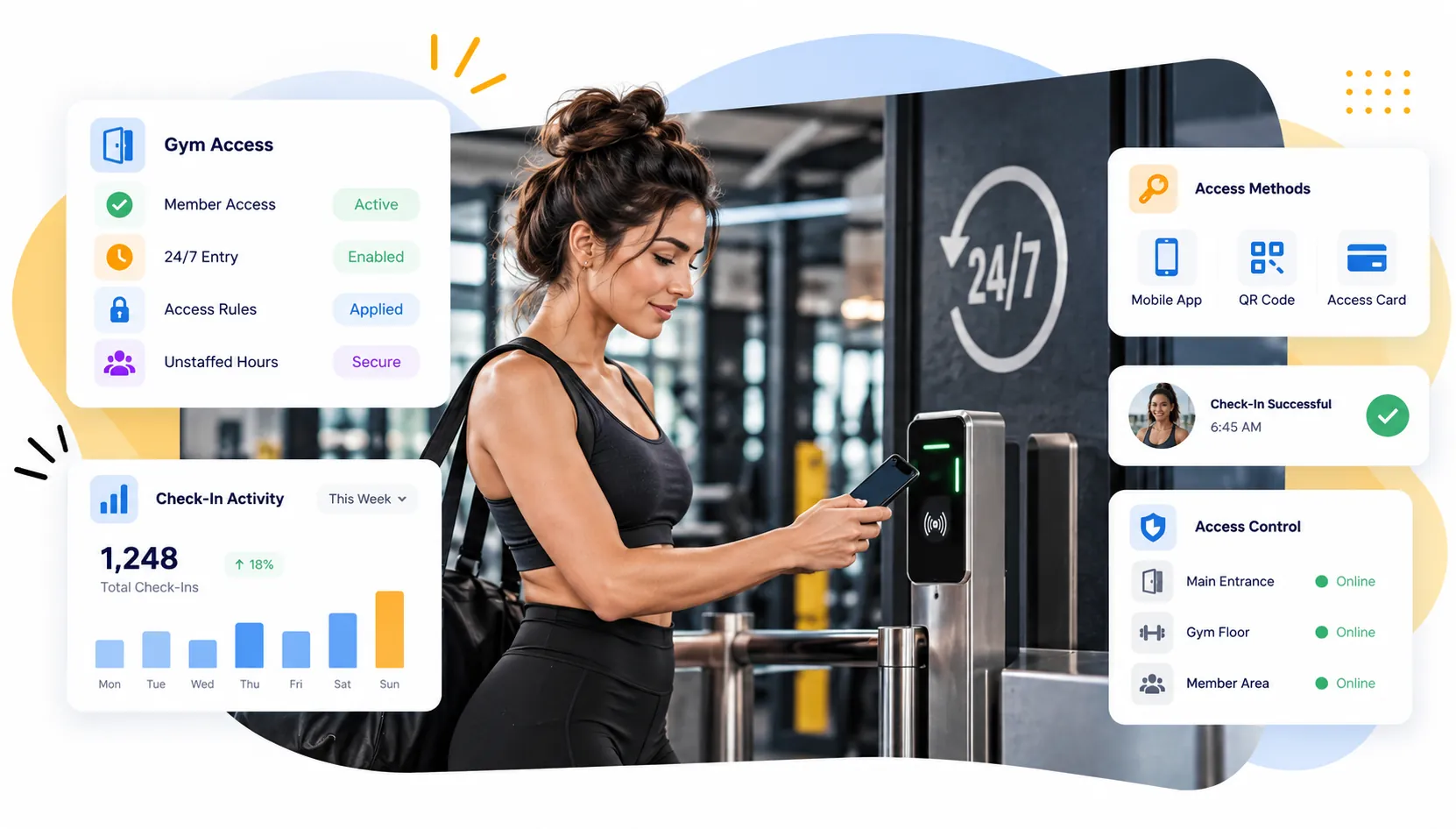
A gym that’s open 24 hours has entry process controls that work with no staff and implement the gym’s access rules. This requires compatible access control hardware integrated with member credentials.
Users should examine how the system controls access when a membership is frozen, access rule changes due to a network outage, emergencies, and member access outside staffed hours. A check-in application, in and of itself, does not guarantee secure access.
For door hardware and controller compatibility with unstaffed entry processes and workflows, read about access control for 24-hour gyms.
GymRoute offers access control features on its Exceed plan and above. Check with the access control provider to understand the available entry options and integrated hardware and membership rule controls before selecting the access control plan that meets your needs.
How to Choose the Right Check-In System for Your Gym Operations
Your check-in system for gym operations should satisfy your member traffic, staffing model, operational budget and security requirements. Compare the full workflow, including hardware and exception controls, rather than evaluating a provider by its check-in screen.
| Buying factor | What to ask | Why it matters |
| Speed | How many members can check in at the same time? | Reduces check-in queues |
| Hardware Cost | Can the system run on a tablet? | Keeps costs down |
| Connectivity | What happens when the Wi-Fi goes down? | Eliminates uncertainty |
| Membership & Billing | Can the staff see a member’s status? | Aids in identifying entry exceptions |
| Attendance Records | What attendance records are saved | Assists in attendance reviews |
| Member Experience | How many ways can members check in? | Improves member experience |
| Access Control | Can the system work with your door hardware? | Assists with unstaffed entry |
| Privacy | What data is collected and who can access it? | Lessens unnecessary data collection |
Your operating model affects your decision. A 24-hour facility requires more reliable access control; a class-based studio requires more reliable booking validation; and a large gym facility may require consistency across multiple locations.
Member count determines the number of expected arrivals, and staffed or unstaffed hours determine the level of manual verification that is practical. Your hardware budget determines if a tablet-based setup or dedicated readers are an option.
Observe the system in action. Ask each provider to have a current member check in, a guest check-in with a day pass, and a member with a membership problem. Verify the system records events and alerts staff to block entry.
How GymRoute Handles Check-Ins
GymRoute supports a range of check-in methods: QR code, tap or phone check-in via a kiosk or member app. The system also supports memberships, freezes, day passes, digital forms and waivers, and other features related to billing and reminders.
GymRoute also offers loyalty points as an additional incentive for member check-ins, with access control only offered on the Exceed plan.
Check out GymRoute to see if the features and functionality meet your requirements and to discuss how member check-ins are handled.
Frequently Asked Questions About Gym Check-In Systems
Q. How do gyms check members in?
A variety of systems are used to check members in to a gym, including a staffed desk, self check-in kiosk, app check-in, key fob, card, PIN or biometric check-ins. The system used should validate the membership or entitlement and check the member in.
Q. What is the best check-in system for a small gym?
For a small, staffed gym, app or QR code check-ins via tablets are an easy and low-cost system for members to check in. For unstaffed entry, add fobs or compatible door hardware. Systems should have a process in place to validate membership rather than just checking members in.
Q. Is there a free gym check-in system?
Paper sign-in sheets are free, but they don’t confirm member status. Paid software reduces administrative tasks and integrates check-in with member records. Free software options can support your needs; however, there are risks to automating processes without integrating controls. Consider the cost of staff time and hardware before deciding. See our Free vs Paid Gym Management Software article for more information.
Q. How do gyms stop members from sharing their PINs or cards?
Members can be assigned individual credentials, barcodes, QR codes or magnetic stripe card access. A photo at check-in can be used to confirm member attendance. While member photos can be used to validate attendance, no method eliminates risk. Unstaffed gyms should also consider how readers validate credentials. Staff should be trained on how to address suspicious activity.
Q. Do I need a kiosk for gym check-in?
No, tablets in kiosk mode, front-desk computers, or phone-based QR codes can support check-in. A kiosk becomes more useful if there is high membership traffic and the staff needs to focus on other tasks. Consider equipment, traffic and membership costs before deciding.
Q. What software do gyms use?
Gym management software connects memberships to check-ins, billing, and (if required) class bookings. The software can also be connected to QR readers, key fobs and door control readers. Review your workflow and see what gym management software is available.