
Gym access control system
GymRoute is gym management software that opens doors only for members whose plan is active and paid, at the hours you set, so your front desk doesn’t have to check. You decide who gets in, where, and when.
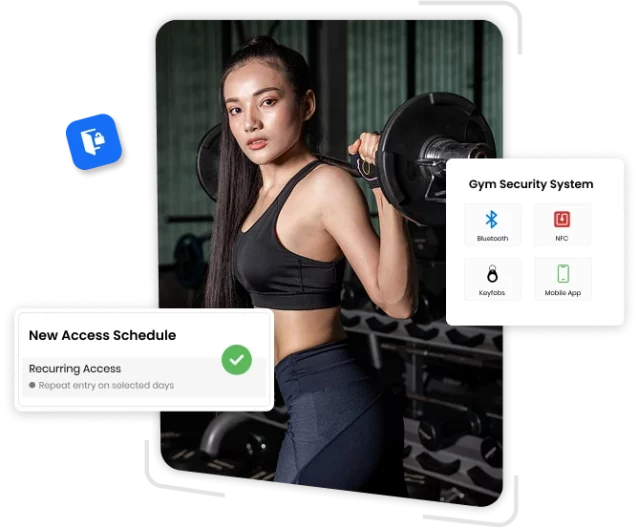
What is gym access control software?
Gym access control is hardware at the door (a reader, a controller, and a lock) plus software that checks a member’s status before the door opens. GymRoute is the software side, and the door hardware stays yours. It reads your membership and billing records, so a lapsed plan or failed payment changes who gets in without anyone editing a door list.
It’s built for 24-hour gyms, health clubs, boutique studios, CrossFit boxes, and martial arts schools, and for other fitness facilities with unstaffed hours. Comparing options? Read the access control guide, see key fobs compared with mobile entry, or follow the installation steps.
- 1The member checks in with their phone, a QR code, or a kiosk tap.
- 2The check-in reaches GymRoute.
- 3GymRoute checks the member's plan, payment status, and allowed hours.
- 4The door unlocks, or entry is denied. Either way, it's logged.
How does gym access control work with GymRoute?
Every entry follows four steps, and each one ends up in the log. The check runs on live membership data, so a freeze or lapse takes effect without anyone touching a door list.
A denied entry isn’t a mystery. The reason is plain: a frozen plan, a failed payment, or a door outside the member’s allowed hours. Staff see the result in the entry log, with the member, door, time, and entry method.
Which check-in methods does GymRoute support?
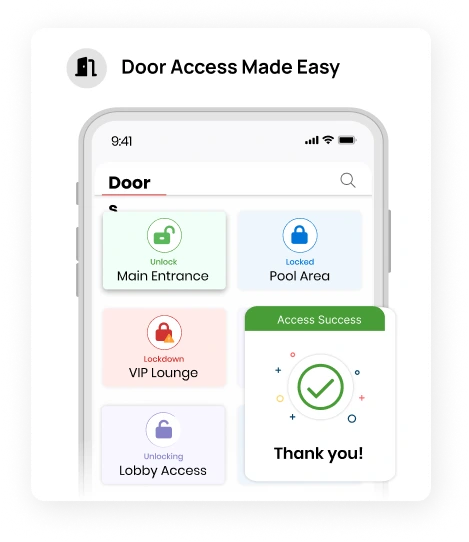
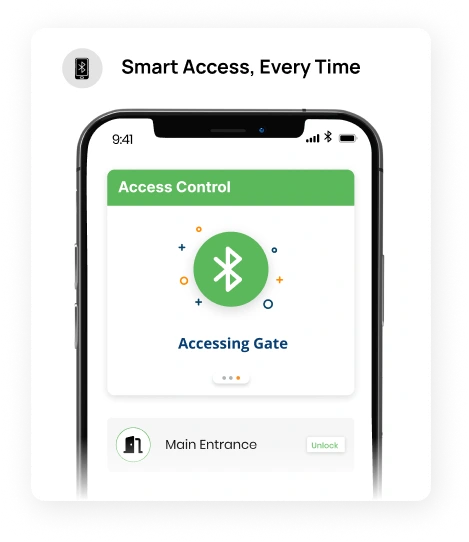
Members check in with their phone, a QR code, or a tap at the front-desk kiosk or through the member app. GymRoute ties each one to the member’s plan and active status. Key fobs compared with mobile entry covers the tradeoffs.
A key fob is a small electronic plastic tag members scan to get in. GymRoute’s access controller is a paid add-on: hardware that syncs with GymRoute and unlocks doors, gates or turnstiles only for active, paid members using key fobs, PINs or mobile QR codes. Locks and readers still come from your door installer.
| Method | Cost to issue |
|---|---|
| Member app on a phoneBest for boutique studios | None to issue |
| QR codeBest for phone-first sites | None to issue |
| Kiosk tap at the front deskBest for staffed hours | None to issue |
| Key fobBest for 24-hour gyms | One per member |
| PIN codeBest for staff and trials | None to issue |
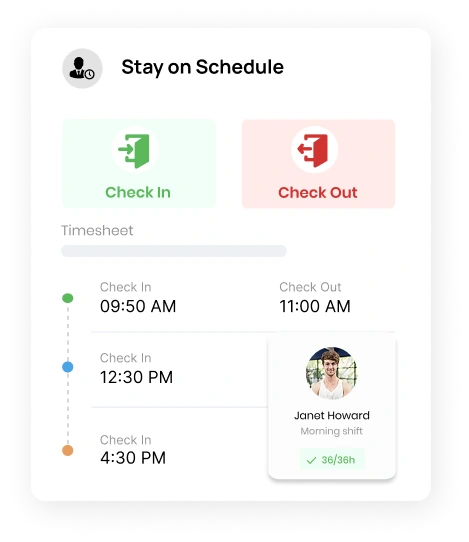
Gym door entry system
Members check in with their phone, a QR code, or a kiosk tap, and your rules decide who gets in and when. Running 24/7? Add cameras on each entry point, a panic button inside, and a plan for who responds to denied entries.
- Staffed and unstaffed hours: front desk open 6am to 9pm, member-only entry from 9pm to 6am, for example.
- Peak and off-peak rules set when each plan can enter, so premium members can have overnight access.
Can access stop when a payment fails or a membership is frozen?
Yes. When a payment fails, GymRoute suspends that member’s access automatically, and it returns once the balance is paid. The member sees the reason in the app, so a failed card doesn’t become a front desk conversation.
Door systems apart from billing need someone to update the door list by hand. Here the door reads the records behind your membership plans and freezes and automatic billing.
Freezes, cancellations, and expiries work the same way. The status changes in your membership software, and the door follows without anyone touching the reader.
Gym access management system
Access lists keep members, staff, trainers, and VIPs in separate groups, each with its own doors and hours.
- Household access: family members share one account, each with their own check-in, so a lost phone or fob affects one person.
- Entry log with member, door, and time, so you can check events against your camera footage.
- Automatic activation and revocation as a membership starts, freezes, or ends.
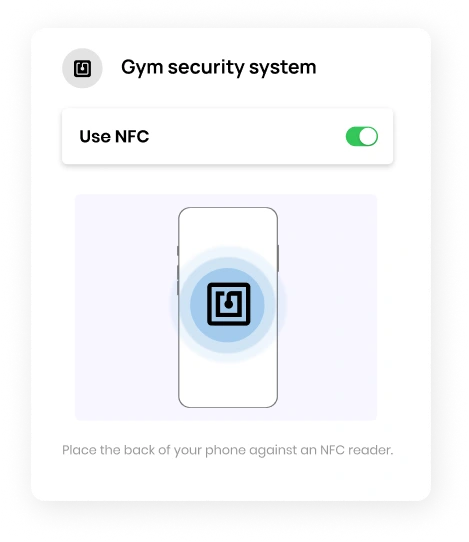
How does GymRoute stop tailgating and fob sharing?
By limiting what one credential can do and recording every entry. Tailgating is a second person following a member in. Fob sharing is a member lending a credential. Door access is tied to plan and active status, so a lapsed member’s credential stops working, and the entry log shows who came in and when.
On a 24/7 site, add cameras at the entry point. Put the policy in your membership agreement, a warning first and a fee after, so staff aren’t deciding on the spot.
What happens to the doors if the power or internet goes down?
It depends on how the lock fails. A fail-safe lock unlocks when it loses power. A fail-secure lock stays locked. Doors on an emergency exit route generally have to release without power, and your local fire code sets the details. One example is this fire marshal guideline on electrically locked exit doors.
For an internet outage, ask your door installer what the reader does offline, and decide the fallback (a staff member opens the door, or you check members in by hand) before it happens at 11pm.
Trusted, tested, and awarded
We don’t just promise performance, we’re recognized for it.
See why gym owners everywhere rely on GymRoute to keep things running effortlessly.

Gym entry automation software
GymRoute reads live status from the gym management software that runs your billing, so the door always matches it. Each log entry records the member, door, time, entry method, and whether access was granted or denied.
- Contactless check-in by phone, QR code, or kiosk tap.
- Door access tied to plan and active status, so lapsed members don't get in.
- Staffed or 24/7 entry on the same system.
- Entry log export and a peak-hour report, so you can staff to real traffic.
ButterflyMX$500 to $3,000+
Gymflow$1,000 to $2,500
No contracts, no per-member feesFrom $99/mo
How much does gym access control cost?
GymRoute is software, so you pay for it by the month. Plans start at $99 (Excel), then $199 (Exceed) and $299 (Ultimate), with no contracts.
Door hardware is a separate cost, and GymRoute’s access controller is a paid add-on. It depends on the lock, the reader, the door count, and who installs it. Hardware runs from about $500 to more than $3,000 per door, according to ButterflyMX. Gymflow puts installing a complete mobile access setup at $1,000 to $2,500 per door. Read the full cost breakdown or see pricing.
Why gyms choose GymRoute access control
You decide who enters. Example rules:
- Owners and managers: every door, any hour.
- Front desk: entrance and office doors during staffed hours.
- Trainers: the training floor and staff areas during their shifts.
- Cleaners and contractors: back-of-house doors in a set window, such as 10pm to 5am.
- VIP members: extended hours or extra areas. Day-pass members: the entrance on the day only.
Can I manage access across multiple locations?
Yes, on the Ultimate plan. One dashboard shows every site’s doors and entry logs, so you handle remote management without driving between locations. Set home-club rules for members who use one site, or all-club rules for members who can use any.
From the app, you can unlock a door remotely, and each unlock is logged. Central entry logs make it easy to compare peak hours across your sites.
Frequently Asked Questions
Have questions? We are here to help. Explore how GymRoute simplifies access control, enhances security, and meets your gym’s needs.
Can members use their phone instead of a key fob?
Yes. Members check in with their phone through the member app, or with a QR code. Key fobs and PINs work through GymRoute’s access controller add-on. You choose what each membership type gets, so fob holders and phone users can run side by side.
Does GymRoute work with the door locks I already have?
Possibly. GymRoute’s access controller add-on syncs with the door, gate or turnstile and unlocks it for active, paid members. Whether your existing lock works depends on the lock type, so send your door details in a demo and we’ll confirm before you commit to a plan.
What does installation involve?
GymRoute is software, so setup means adding your plans, members and door rules, and we migrate your data from your old system for free. The access controller is hardware that goes on the door. Ask in a demo who fits it and how long your doors will take.
Can I let in guests, day passes or trial members?
Yes. Day-pass and trial members get access that expires with their pass, so a trial member can’t walk in after the trial ends. Each guest entry is logged like any other, so you can see who came in on which pass. Day passes and trials follow the same rule.
Can I unlock a door remotely?
Yes, on doors connected to GymRoute. You open a door from the app or dashboard, for a delivery or a late trainer, without walking to the door. Every remote unlock is written to the entry log, and you choose which staff roles are allowed to do it.
What happens when a member loses their fob?
If your doors use fobs, access cards or key tags, deactivate the lost one from the member’s profile and it stops opening doors. Then issue a new one and decide whether to charge a replacement fee. Members who check in with their phone have no fob to lose.
Is gym access control secure for 24/7 gyms?
Yes, as long as access follows membership status and every entry is recorded. GymRoute checks each member’s plan before the door opens and logs the member, door, time, and method, so shared or lapsed credentials show up in the log. Cameras at your doors add a visual check.
Grow Better With GymRoute
Optimize operations, increase revenue, and enhance member experience with GymRoute’s all-in-one solution.