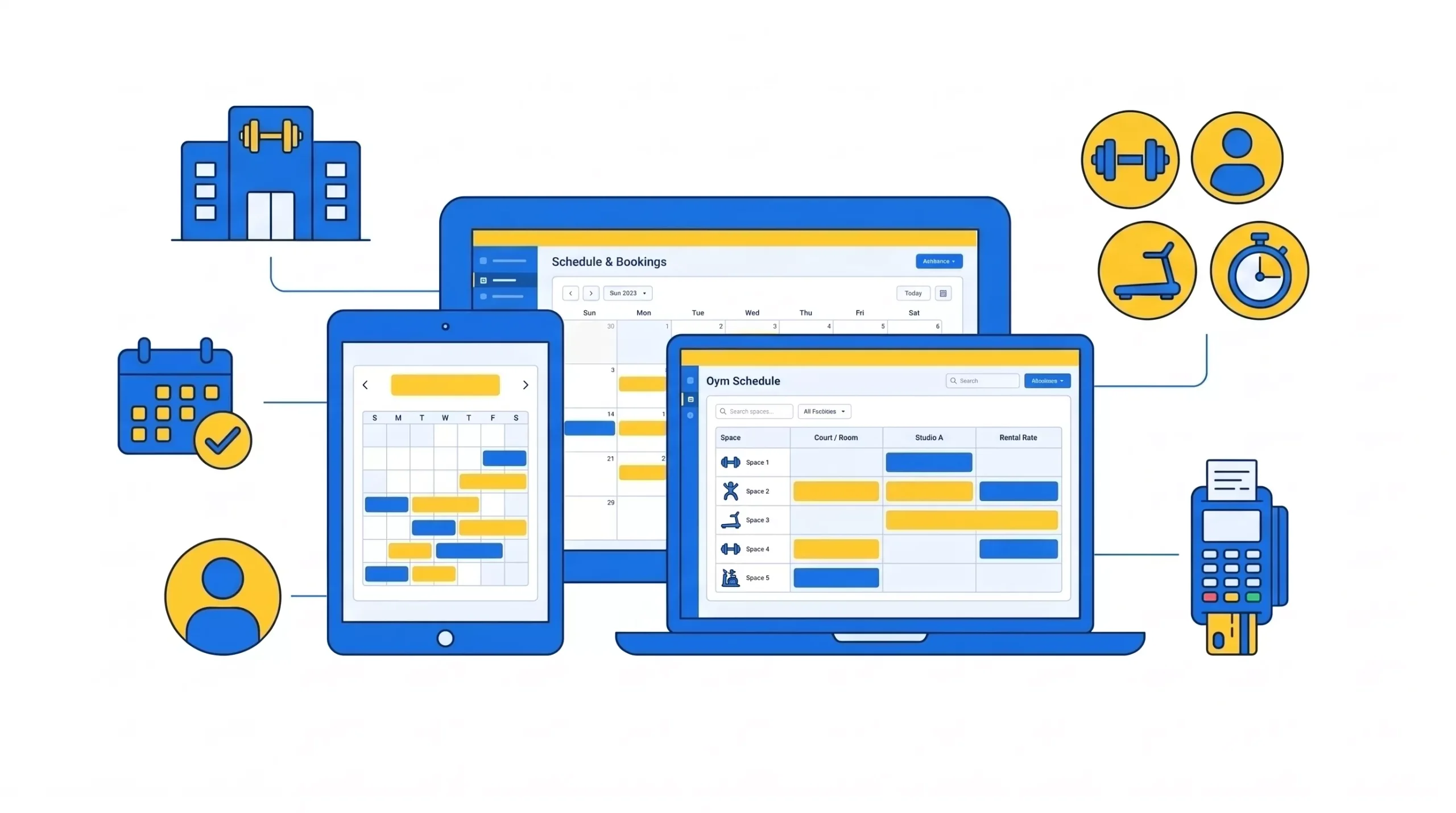
Running a gym in 2026 is as much about managing time as managing equipment. Between back-to-back classes, rotating trainers, last-minute substitutions, and members who expect to book from their phones, a spreadsheet stops working fast. Good scheduling software prevents the double-bookings and no-shows that quietly cost you retention and revenue.
This guide compares seven scheduling platforms on what actually matters: real pricing, how they handle trainers and waitlists, and which type of gym each one fits. Where a vendor does not publish a figure, this guide says so rather than guessing, and every platform gets both its genuine strengths and its honest trade-offs.
Why scheduling software matters more than ever
A scheduling mistake does not just cause confusion; it costs members. The right scheduling software helps you:
- Avoid double-bookings and class overlaps.
- Manage trainer availability and handle substitutions without a scramble.
- Let members self-book and self-cancel from their phones, 24/7.
- Track class attendance and capacity in real time.
- Enforce waitlists and cancellation policies that recover no-show revenue.
- Build the consistent routines that drive member retention.
One distinction to get right before you buy: a standalone scheduler manages your timetable but usually cannot run recurring membership billing. If most of your revenue is from membership dues, you want an all-in-one platform where scheduling connects to billing, not a booking tool bolted on beside a separate payment system.
Gym scheduling software comparison
Pricing below is verified against provider pages and credible third-party listings as of mid-2026. Re-verify before deciding, as this category changes pricing often.
| Platform | Best for | Starting price | Scales with members? |
| GymRoute | All-in-one scheduling for gyms of any size | $99/mo (Excel) | No (unlimited members) |
| ABC Glofox | Boutique gyms wanting branded booking apps | ~$110/mo (Essential) | Yes (tiered) |
| Zen Planner | Gyms and martial arts need automation and rank tracking | ~$99/mo base (+ add-ons) | Yes (active members) |
| Mindbody | Franchise and multi-location clubs wanting marketplace reach | ~$129/mo+ per location | Yes (location/usage) |
| WellnessLiving | Mid-sized gyms focused on retention | ~$69/mo (Starter) | Yes (tiered) |
| PushPress | Functional fitness and CrossFit gyms | $0 (Core Free) to $229/mo | No |
| TeamUp | Bootcamps, courses, and class-based studios | $119/mo (0 to 100 customers) | Yes (customer count) |
GymRoute: all-in-one scheduling built for gyms
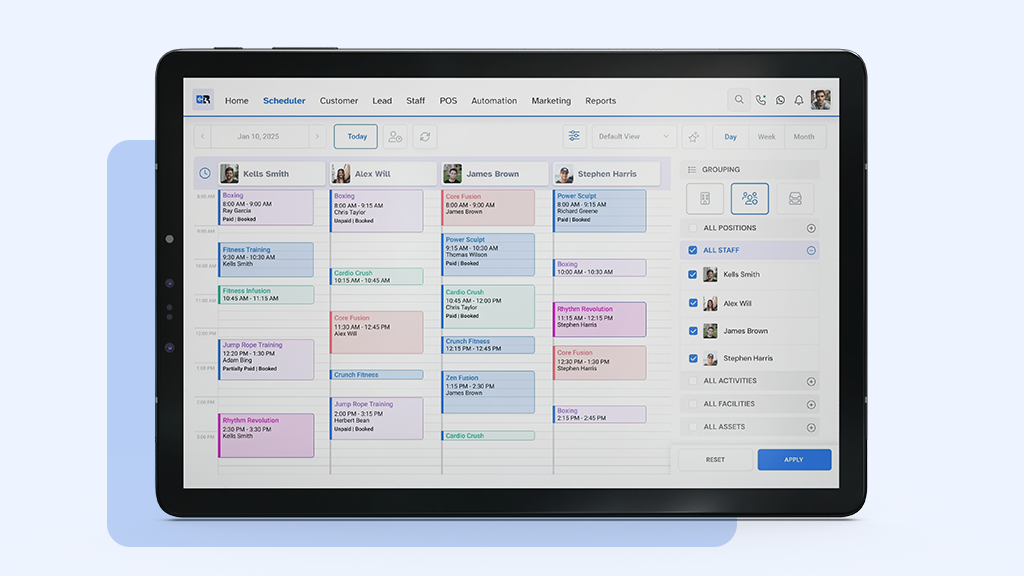
Best for gyms that want scheduling connected to membership, billing, and access control in one flat-priced system.
GymRoute includes online booking and scheduling from the entry Excel tier at $99/month, alongside membership and package management and digital forms. Its scheduling tools cover a drag-and-drop calendar, automatic trainer sync, waitlist management, Google Calendar integration, push notifications for members and staff, and auto-reassignment of substitute trainers when someone is unavailable.
Where it genuinely wins: the flat-rate model. Every tier includes unlimited members and staff, so a 400-member gym pays the same tier price as a 40-member one, which is the opposite of how most platforms here bill. Scheduling sits inside a platform that also runs billing, POS (from the $199 Exceed tier), and native access control, so the timetable connects to the rest of your operation rather than standing alone. Processing is published transparently at 2.75% + $0.30 card-present, with no setup, PCI, batch, or statement fees. For a full breakdown of what each tier costs, see the GymRoute pricing page.
Honest trade-offs: GymRoute has a smaller independent review footprint than Mindbody or TeamUp, so support quality is harder to verify from public reviews. A pure single-room class studio that will never need billing, POS, or access control may find a booking-only tool like TeamUp a closer fit for that narrow use case.
ABC Glofox: branded scheduling for boutique studios
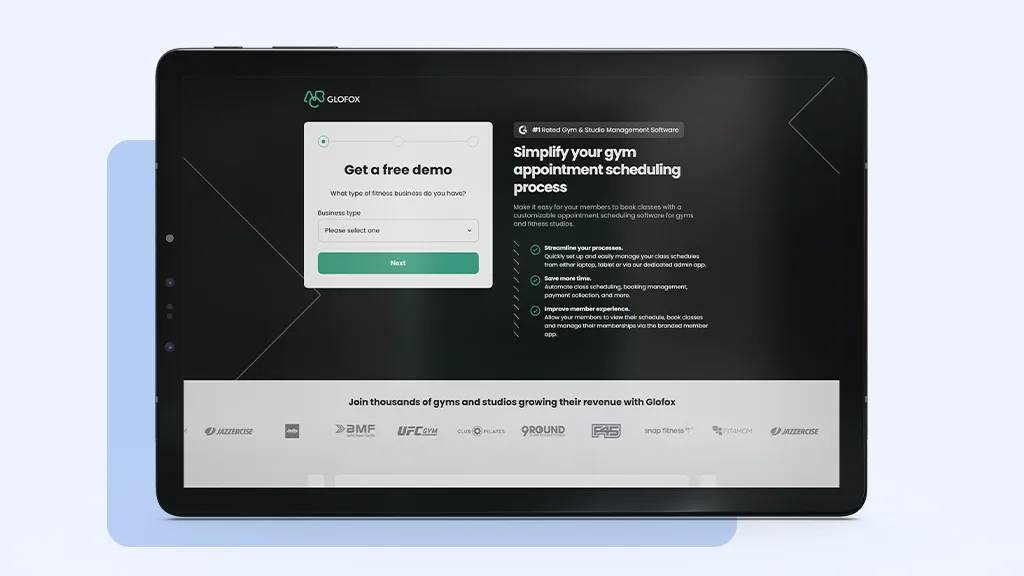
Best for boutique gyms that want a polished, branded booking experience.
Glofox lets you put class scheduling inside a white-labeled app carrying your own gym’s identity, which doubles as a retention tool. Essential pricing starts around $110/month with 2.5% to 2.9% processing via Stripe or GoCardless, tiered by package.
Where it wins: white-labeled iOS and Android booking apps, instructor and studio availability scheduling, class reminders, and waitlist management, all under your brand. Reviewers consistently praise the member-facing app and the onboarding specialists. (GymRoute offers a comparable branded member app on its own plans if a branded booking experience is your main reason for looking.)
Honest trade-offs: reviewers also consistently flag the post-2022 ABC Fitness acquisition as a point where support responsiveness declined, with a recurring theme that phone support is friendly but slow to resolve issues. Pricing scales with tier, and Glofox does not publish a simple flat rate.
Zen Planner: scheduling, plus automation and rank tracking
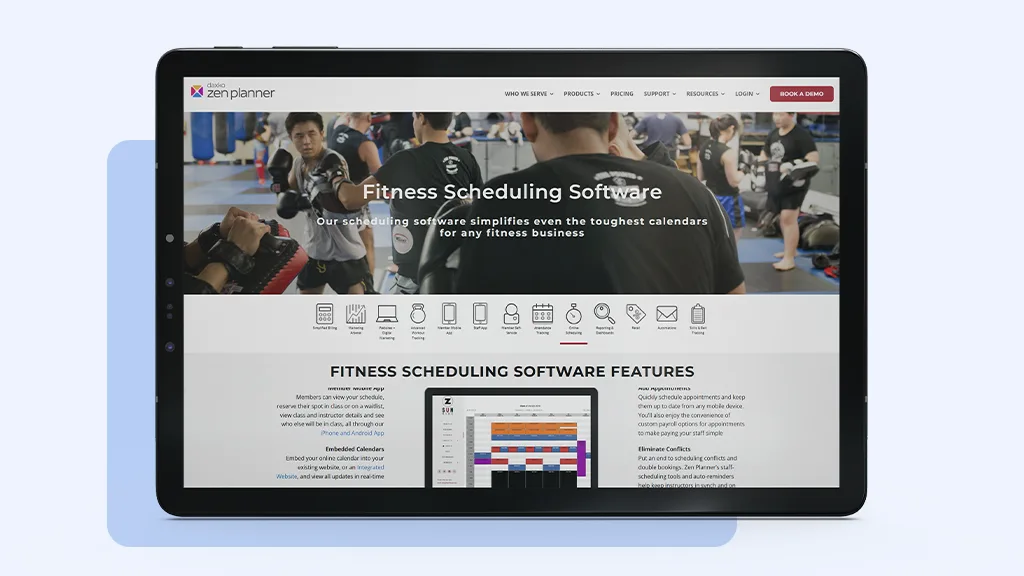
Best for martial arts schools and gyms that want automated post-booking communication.
Zen Planner pairs scheduling with workflow automation: class reminders, waitlist alerts, and automated confirmations and follow-ups, plus a member app with booking history. Its base plan starts around $99/month, though the Engage marketing add-on runs roughly $249/month more, and it also offers genuine belt and rank progression tracking that class-first tools do not.
Where it wins: the automation reduces manual follow-up, and the rank tracking is a real differentiator for martial arts. It supports multiple payment processors.
Honest trade-offs: the add-on stacking pushes a full setup well above the $99 headline, often into the $350 to $525 range. Its processing rate of roughly 2.97% + $0.47 is the highest fixed per-transaction fee among these platforms, and reviewers describe a real learning curve. PushPress is rated ahead of it on ease of use in direct comparison.
Mindbody: enterprise scheduling with marketplace reach
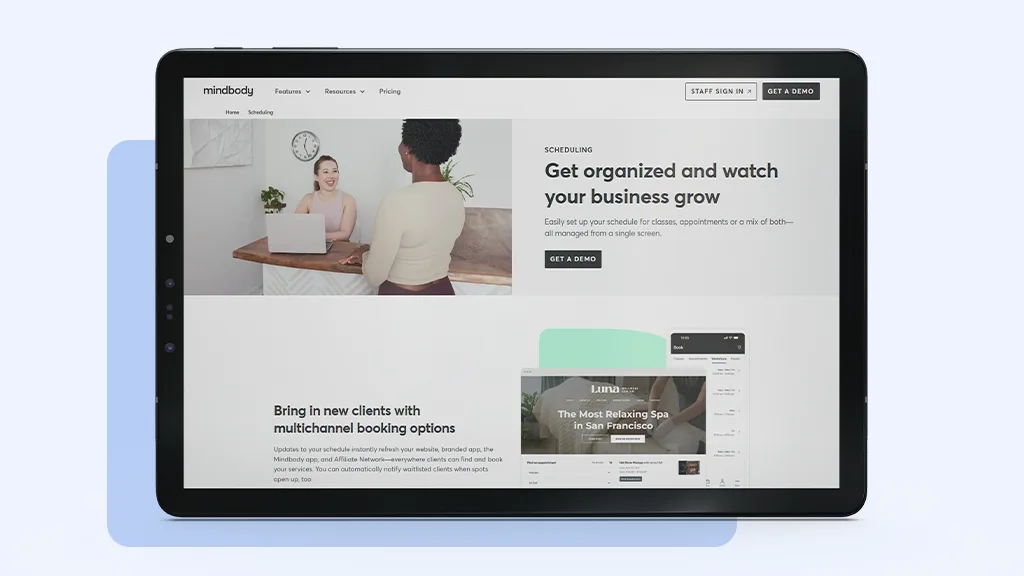
Best for franchise gyms and large fitness centers that want consumer discovery.
Mindbody offers enterprise-level scheduling: calendar sync across branches, class-type segmentation, trainer block scheduling, and deep analytics on booking patterns. Published pricing starts around $129/month per location and rises to $349 and $599+ for plans full-service gyms typically use, with a 20% fee on new clients booked through its consumer marketplace.
Where it wins: nothing else puts your classes in front of comparable consumer search volume, and its multi-location tooling is genuinely enterprise-grade.
Honest trade-offs: Mindbody carries the weakest support reputation among these platforms, with recurring complaints about cost, contracts, and onboarding that can stretch to eight weeks. Smaller gyms often find it overwhelming and expensive for what is, at its core, scheduling. The marketplace fee only pays off if that channel genuinely brings you members you would not otherwise reach. For a deeper side-by-side, see our GymRoute vs Mindbody comparison.
WellnessLiving: simpler scheduling with built-in retention tools
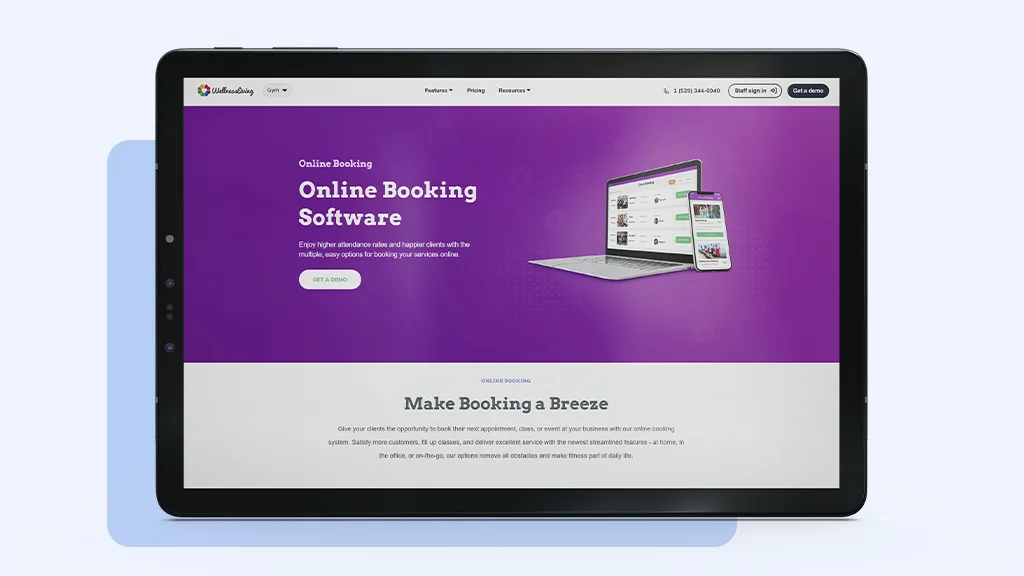
Best for mid-sized gyms that want scheduling and loyalty tools together.
WellnessLiving offers a clean visual scheduler with a book-a-spot feature (members reserve their favorite spot in class), room and equipment management, recurring bookings, and waitlists, alongside built-in rewards and loyalty tools. Starter pricing begins around $69/month, the lowest entry point on this list, scaling across tiers.
Where it wins: the combination of scheduling and native loyalty tools at a low entry price, with a branded app and website included at higher tiers. Features like Reserve with Google and spot-booking that some competitors lack. (If loyalty and rewards are what you are after, GymRoute includes them from its Exceed tier.)
Honest trade-offs: some reviewers report features sold as included turning out to cost extra, plus surprise fees including PCI charges. Confirm exactly what your quoted tier includes in writing, and watch pricing transparency over the length of the contract.
PushPress: lightweight scheduling for functional fitness
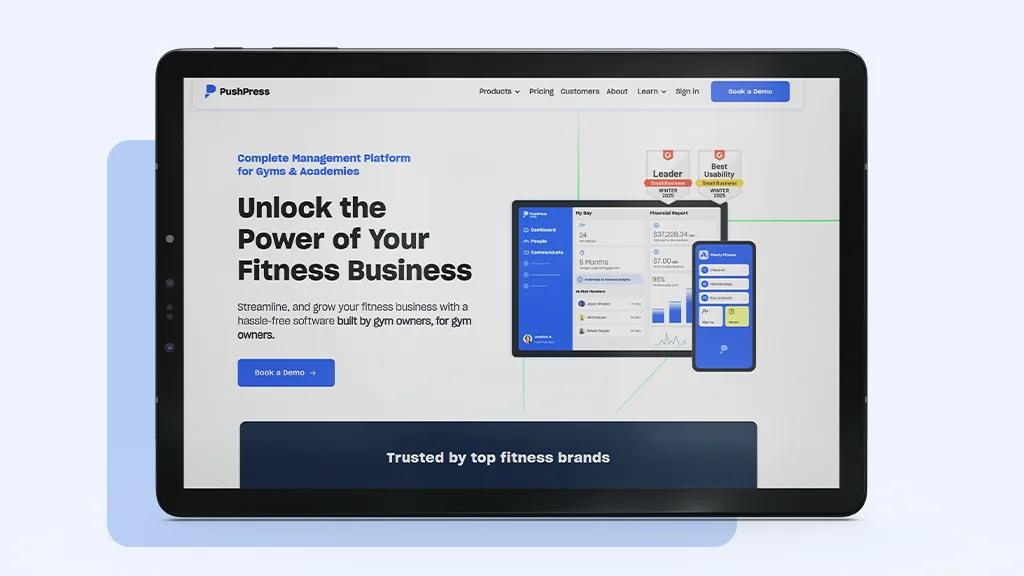
Best for CrossFit, HIIT, and small group training gyms.
PushPress keeps scheduling stripped to the essentials: fast class creation, Google Calendar sync, attendance caps, mobile schedule display, and simple check-ins. It runs from a genuinely free Core tier up to $229/month.
Where it wins: a $0 free tier that is hard to beat for new or low-volume gyms, a clean and fast interface purpose-built for CrossFit and functional fitness, a 4.8 out of 5 independent rating across nearly 200 reviews, and free white-glove migration. Its flat price does not scale with member count. If you are weighing the two directly, see our GymRoute vs PushPress comparison.
Honest trade-offs: the free tier’s 4.19% processing rate gets expensive at volume, where a paid tier or a lower-rate competitor wins on total cost. It is purpose-built for CrossFit and open gym rather than boutique class booking, and some users report occasional bugs.
TeamUp: course and class scheduling for group programs
Best for bootcamp operators, course-based training, and class-led studios.
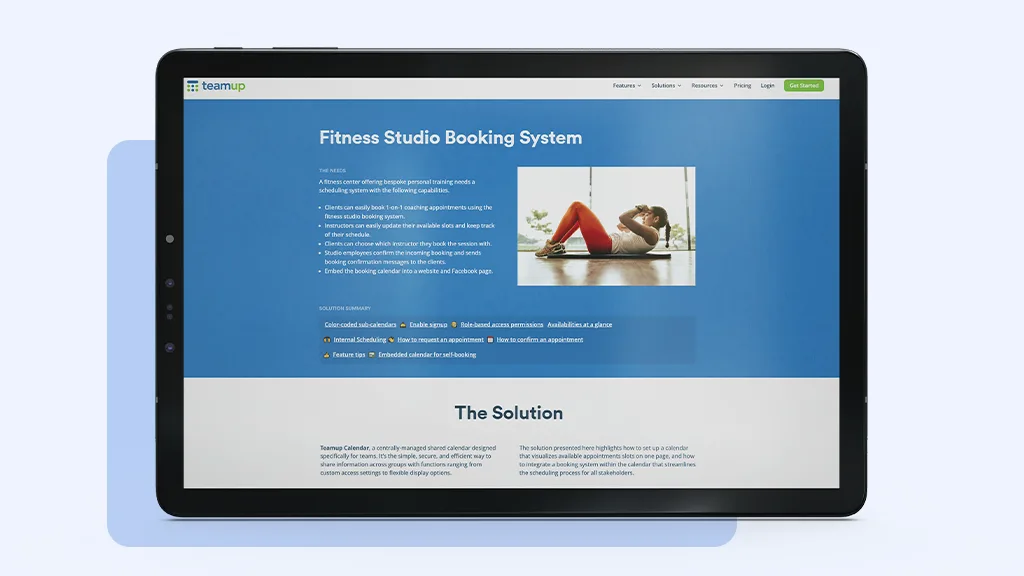
TeamUp makes structured, recurring programming easy: block-based recurring classes, course-specific calendars, drop-in management, self-booking, and booking logs for accountability. Pricing starts at $119/month for up to 100 active customers, month to month with no contract, and includes free data migration.
Where it wins: one of the strongest support reputations in the category, with a 4.8 out of 5 rating across hundreds of reviews and consistent praise for live chat. Its waitlist and late-cancellation penalty tools are repeatedly credited with recovering no-show revenue, and its course scheduling suits multi-week programs particularly well.
Honest trade-offs: pricing scales with active customer count, so a busy studio pays more as it grows, plus separate Stripe transaction fees. It is built for classes and courses, so open-gym and 24/7 access models are a weaker fit. Processing rates are not published and depend on your chosen processor.
How to choose the right scheduling software
Run this in order rather than comparing feature lists side by side.
- Name your scheduling model. Recurring classes, multi-week courses, one-to-one appointments, or open-gym access. This single answer eliminates most of the list.
- Confirm that scheduling connects to your billing. If most revenue is from recurring membership, a standalone scheduler means reconciling bookings and dues by hand.
- Calculate the total cost at your real size. Subscription plus processing at your actual volume, and check whether pricing scales with member count. Four of these seven do. (For how these costs add up beyond the sticker price, see what gym management software actually costs in 2026.)
- Test your real timetable in a demo. Load your most complex week, including recurring blocks and substitutions, and confirm it handles them without a workaround.
- Ask two questions before signing. What is the exact processing rate in writing, and do you migrate my data or do I?
Frequently asked questions
What is the best scheduling software for gyms?
There is no single best because it depends on how your gym runs. TeamUp is best for class-based studios and course programs and has the strongest support reputation. GymRoute is best as an all-in-one where scheduling connects to billing, POS, and access control at a flat price. Mindbody is best for enterprise multi-location gyms wanting marketplace reach. PushPress is best for CrossFit and functional fitness, with a free tier. Match the tool to your scheduling model rather than chasing a universal winner.
What is the difference between scheduling software and gym management software?
Scheduling software manages your class timetable, trainer availability, and member bookings. Gym management software includes scheduling as one module inside a platform that also runs membership billing, payments, access control, and often POS and marketing. Most gyms need a second, because a scheduler that cannot bill recurring members only solves part of the problem. Standalone schedulers suit businesses where the timetable is the entire operation. For a wider view of full-platform options, see our roundup of the best gym management and check-in software.
How much does gym scheduling software cost?
Entry pricing among these platforms ranges from free (PushPress Core Free) to around $129+ per location (Mindbody). WellnessLiving starts at around $69/month, and GymRoute at $99/month. But subscription price alone is misleading, because processing fees can exceed a modest subscription once membership volume grows, and four of these seven platforms charge more as your member count rises. Always calculate subscription plus processing at your real volume, and if you want the full picture of hidden costs, read what gym management software actually costs beyond the sticker price.
Does gym scheduling software handle trainer substitutions?
The better platforms do. GymRoute auto-reassigns substitute trainers when someone is unavailable and syncs trainer schedules automatically. Zen Planner and Mindbody also offer trainer block scheduling and availability management. If frequent substitutions are a pain point for you, test this specific workflow during a demo.
Which scheduling software has the best waitlist management?
Automatic waitlists are now near-universal, but the platforms most praised for recovering no-show revenue are those with strong cancellation-policy engines. TeamUp’s penalty system is repeatedly cited by reviewers for this. Confirm during a demo that the waitlist automatically notifies the next member the instant a spot opens.
Can members book classes from their phones?
Yes, on every platform here. GymRoute, Glofox, Mindbody, WellnessLiving, PushPress, TeamUp, and Zen Planner all offer member-facing apps or mobile booking. A fully branded white-label app carrying your gym’s name (rather than the vendor’s) is sometimes a higher tier or add-on, so confirm the tier if branding matters to you.
Do I need scheduling software if I run an open-gym model?
Less than a class-based studio does. If members enter freely rather than booking classes, access control matters more than a class scheduler. Platforms with native door access, like GymRoute, serve open-gym models better than booking-first tools built around a fixed timetable. See how GymRoute’s access control works, or compare options in our guide to the top gym access control systems.
Which scheduling software is easiest to use?
TeamUp and PushPress are both frequently described as clean and approachable for staff and members. Mindbody and Zen Planner are the two most often described as configuration-heavy, with Mindbody onboarding reported at up to eight weeks.
Pick what matches your gym’s rhythm
Your class schedule is your member experience. When booking a session or signing up for a recurring course is effortless, members stay, and smooth scheduling becomes a quiet engine behind retention and revenue.
For gyms that want dedicated scheduling connected to the rest of their operation, from trainer management to mobile member booking to billing, GymRoute’s scheduling and booking software is built to keep classes running like clockwork at a flat, predictable price. But the honest answer is that the right choice depends on how your gym runs: TeamUp for class-led studios, PushPress for CrossFit, Mindbody for enterprise reach. Match the tool to your rhythm, calculate the real cost at your size, and test your actual timetable before you commit. If GymRoute looks like a fit, you can book a demo and walk through it with your own schedule and workflows.