With the CrossFit booking app, members can do a variety of things from their phones, like reserve a spot in a class or join a waitlist. The app can also help box owners with member bookings and class schedules, and give coaches the ability to plan classes based on member bookings. See how GymRoute handles CrossFit class scheduling software.
If you’re reviewing your box’s current situation, start by looking at the basics. These include things like setting a cap on class sizes, creating automatic waitlists, offering reservations for open gym, and/or offering On-Ramp sessions. It is also essential that members have a way to book classes via a member app without having to contact a coach.
What a CrossFit Booking App Can Do
A CrossFit booking app enables members to book classes, manage cancellations, join waitlists, check in, and view the WOD. Members are also able to log their scores and see how they compare to Rx and scaled performances, as well as track their PRs.
A good app should allow members to do the following.
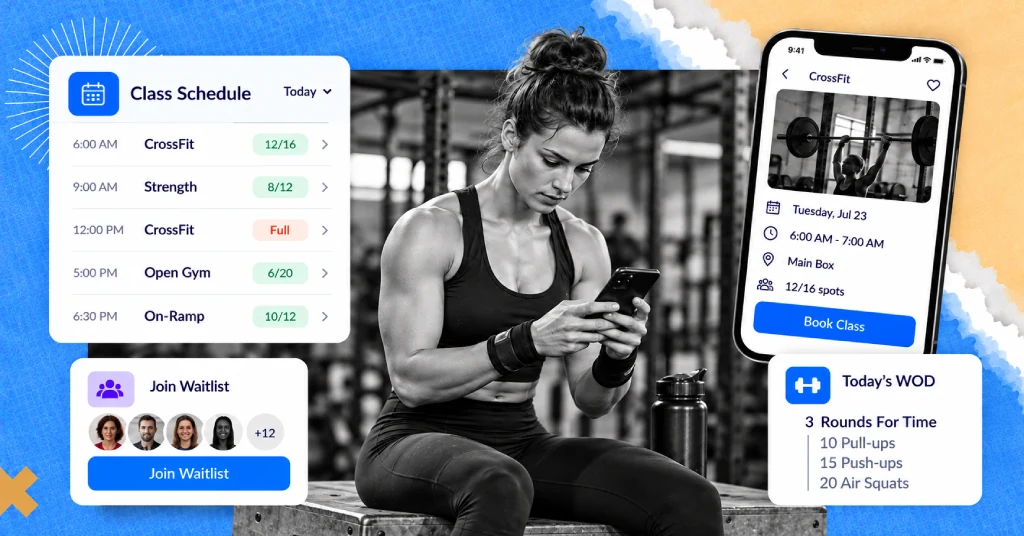
Book a class: Members check availability and book a spot in a class.
Manage cancellations: Members can only cancel bookings if it is within the box’s defined cancellation window.
Join a waitlist: Members join the waitlist for a fully booked class.
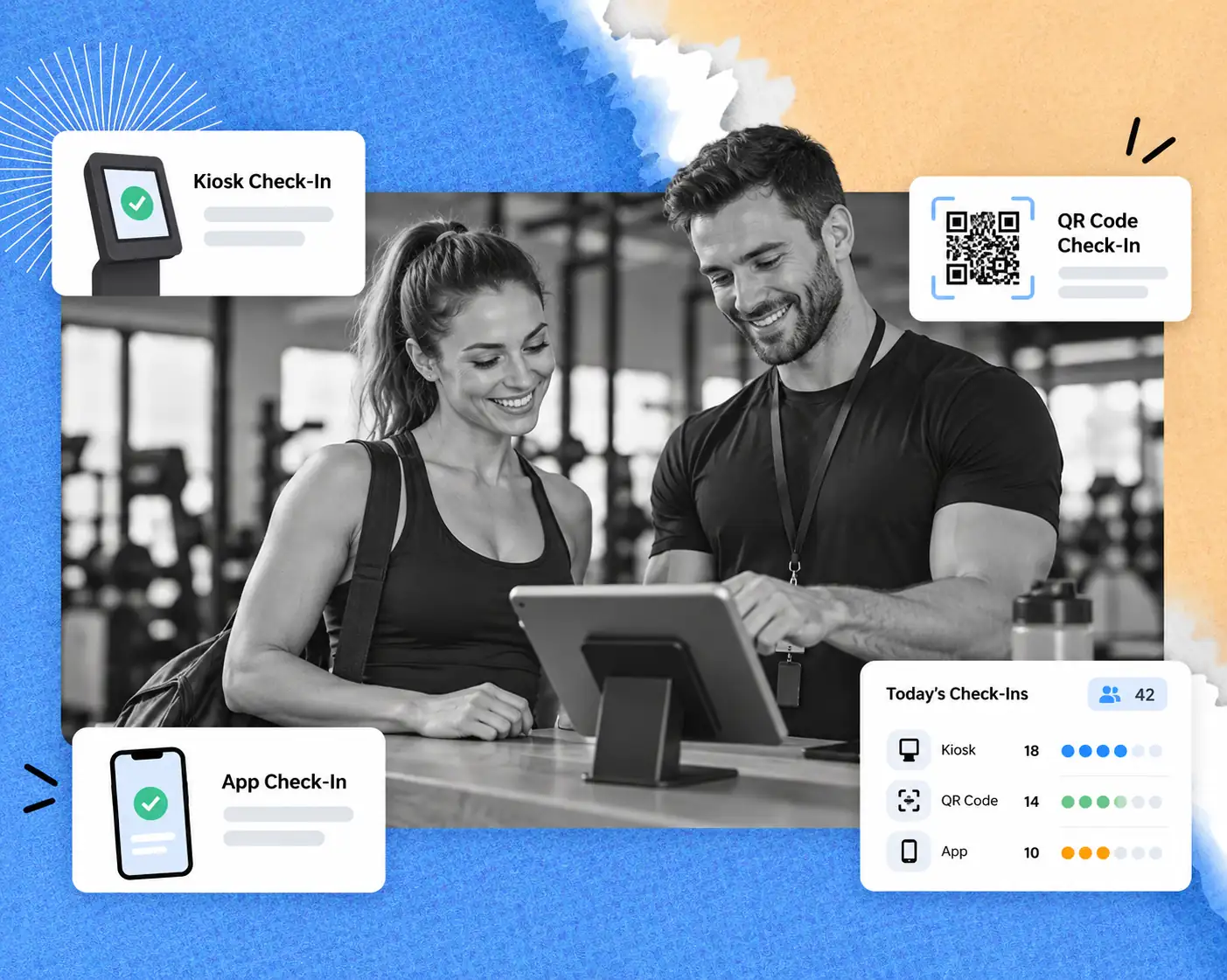
Check in: Supported methods of check-in include scanning a QR code, tapping, or using their phone.
View the WOD: Members see the planned workout.
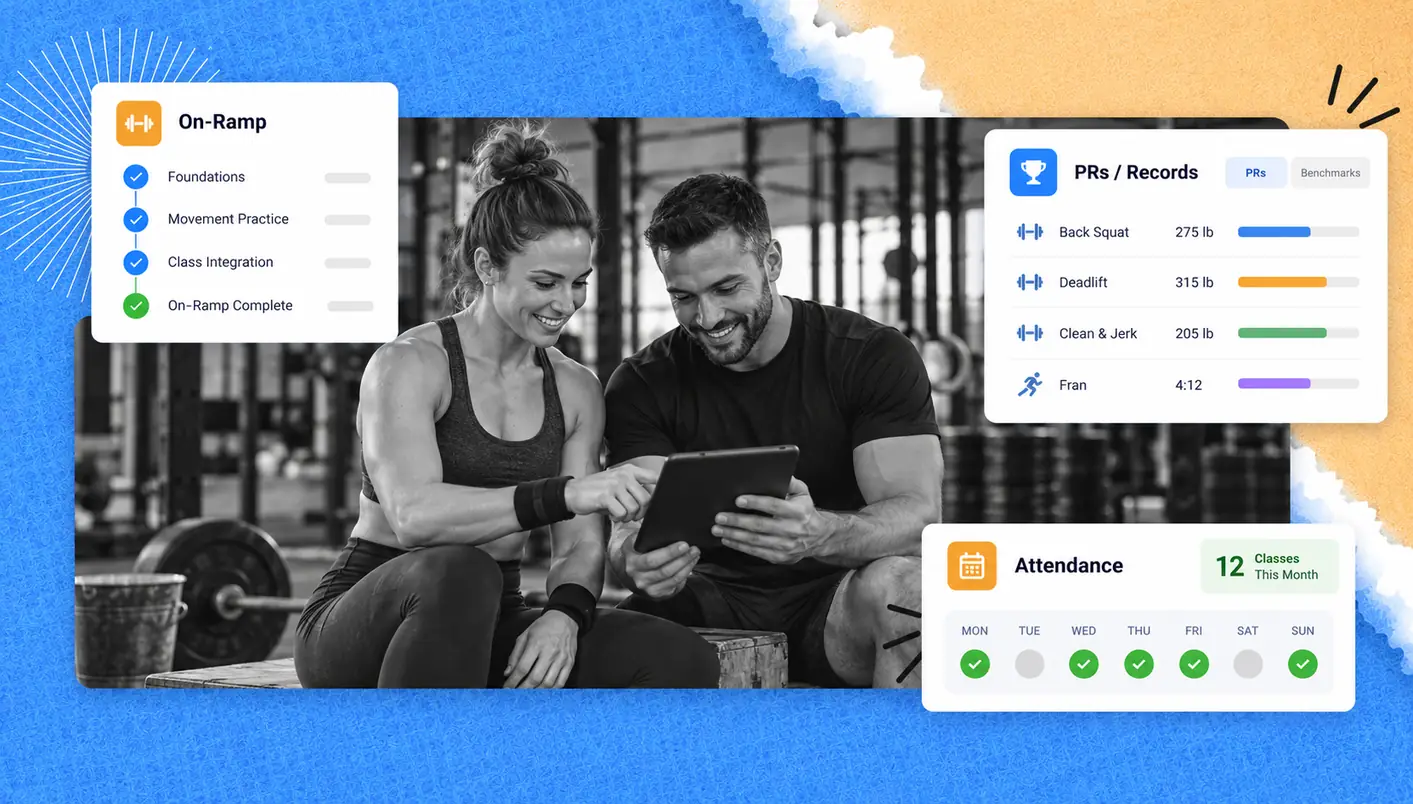
Log scores: Members track their performances and compare to Rx, scaled, or other performances as well as PRs.
Receive updates: Using push notifications to send schedule updates, waitlist openings and reminders
The best setup integrates these actions within the same member journey. Instead of members having to check multiple apps to see their schedules, or to find out if they’ve gotten a spot in class, they can have it all in one centralized location.
CrossFit Booking System vs WhatsApp, Sign-up Sheets and Walk-Ins
A CrossFit booking system can reliably manage a larger class because it can show available spots, create and manage waitlists and keep reservations in one centralized location. A WhatsApp group, sign-up sheet and walk-ins can work for a smaller class, but can get difficult to manage as class demand increases.
Booking Method | Works Well Until | What Becomes Difficult |
WhatsApp Group | A small, flexible class | Messages get lost, cancellations are missed, and coaches have to count attendees |
Paper Sign-Up Sheet | A smaller, predictable class | Members can’t easily reserve remotely, and lists get manually updated |
Walk-ins | Classes rarely reach capacity | Coaches can’t reliably plan for equipment and attendance |
Separate Booking and WOD Apps | Members already use two apps | Information is divided |
Dedicated Booking App | Classes are regularly booked and have limited space | Requires member adoption |
A booking app is ideal when classes are scheduled multiple times a day, as it gives coaches a consistent look at reservations and reduces the time coaches have to spend manually confirming member attendance.
Not every box needs to get rid of walk-ins immediately. You can work in reservations slowly, implement rules for bookings clearly, and move to required booking when your class sizes allow it.
What Box Owners Need in CrossFit Gym Apps
The most valuable CrossFit gym apps help members throughout their entire class experience, from choosing a class to checking in and working out. Look for features aligned with the way your box actually functions instead of a long list of tools that your coaches would rarely use.
Class Caps and Automatic Waitlists
Class caps help boxes manage their class attendance based on the limitations of their coaching staff, equipment, and space. Setting a class cap for a given session ensures that the class has the correct equipment, space, and practical considerations to function safely and effectively.
An automatic waitlist can provide a class spot to an athlete on the standby list if the member who was originally booked cancels.
When looking into a booking system to see how their waitlist works, find out the following. How does the system notify the next eligible person on the standby list? For how long do they have to accept the spot? Does the system update the count of available spots? These can all affect whether a waitlist lessens your administrative burden or adds to it.
GymRoute’s automatic waitlists can help box owners eliminate the need to rely on a coach to manage a paper list to alter reservations.
Class types: Group, Open Gym, On-Ramp, Foundations and Kids
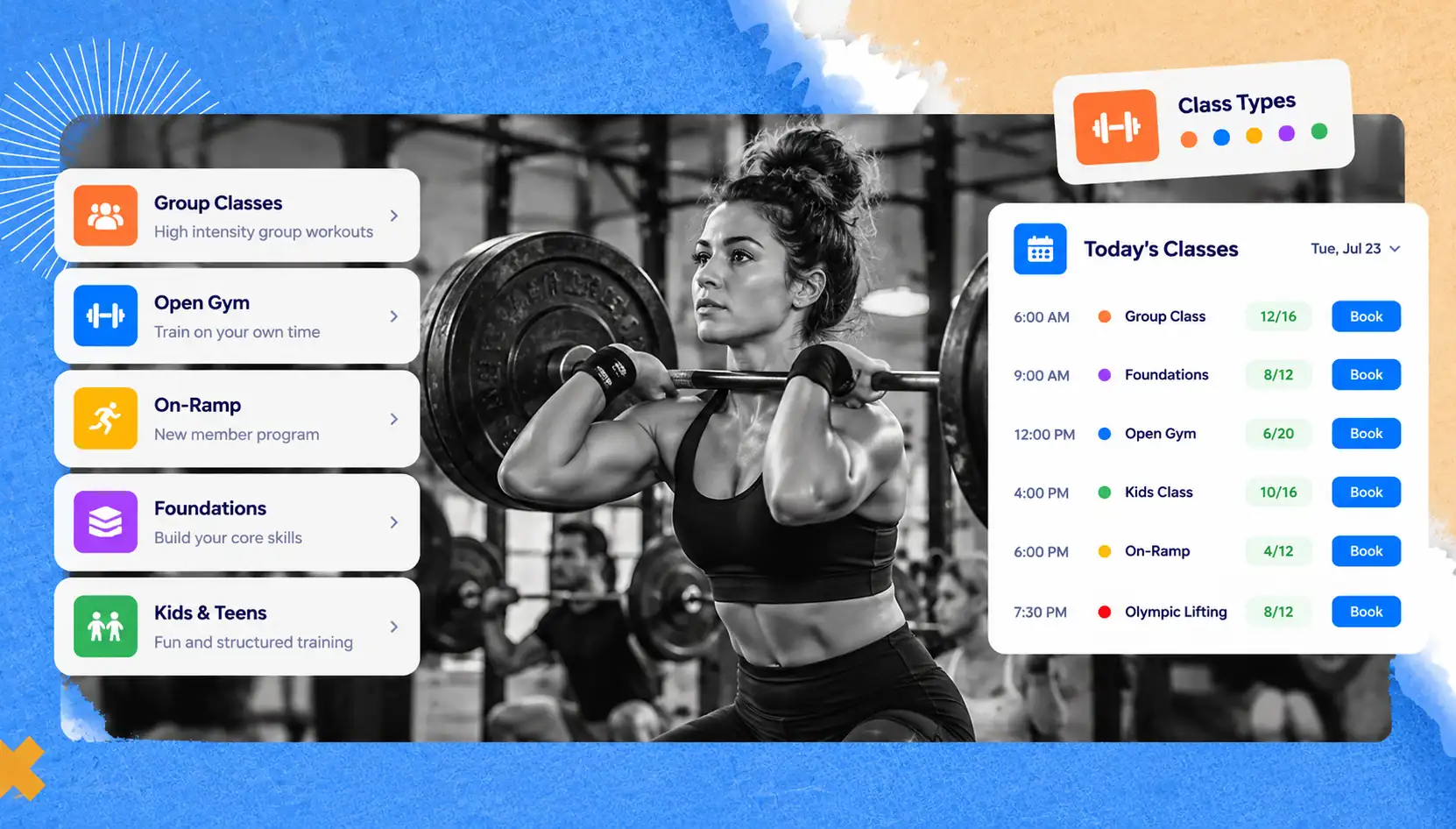
A CrossFit class schedule differentiates between group sessions, open gym, the On-Ramp or Foundations program, kids and teens classes, and specialty classes, like Olympic lifting and gymnastics. Setting each type up as a class type allows members to choose the right class for them.
Class type | What members need | What the box should configure |
Group class | Class time and capacity | Class cap, coach and booking window |
Open gym | Availability of an approved training window | Capacity and supervision |
On-Ramp or Foundations | Session type and capacity | Session availability and capacity |
Kids and Teens | Age-appropriate class type and limit | Class type and attendance limit |
Specialty Class | Focus of class, e.g. gymnastics, class type, capacity and equipment | Coach and class cap |
For new athletes, make your On-Ramp process clear, including which introductory classes they need to book before they are cleared to participate in regular group classes. When your box tracks an athlete’s progress through the On-Ramp sessions, ensure your booking process integrates with this tracking.
A well-organized schedule helps members differentiate between general gym access and a reservation for a coached class.
Drop-ins and Day Passes
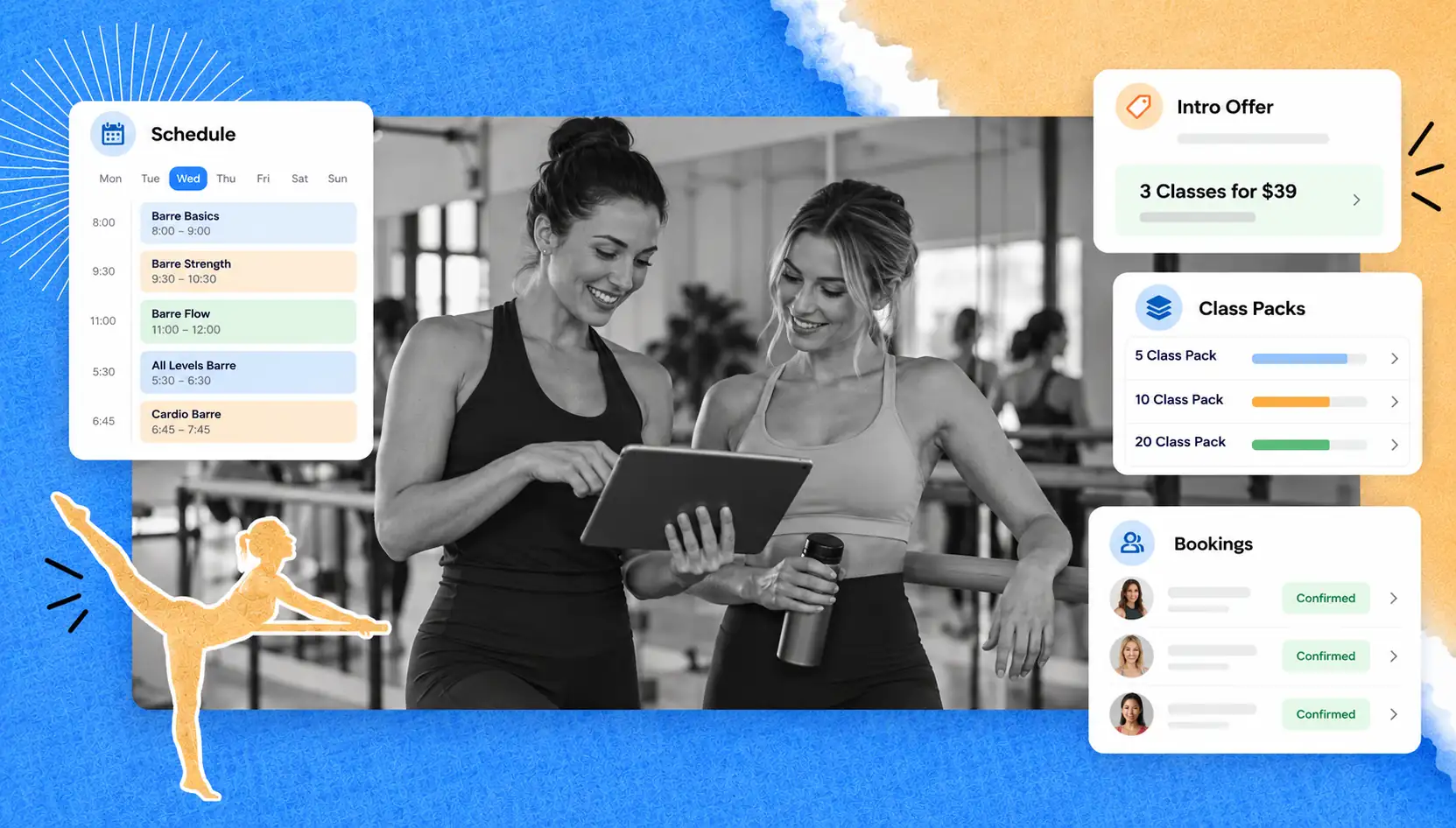
A membership may not include drop-in or day pass privileges, so set up a day pass that lets visitors book and pay for one class. Your booking application should clarify the class being offered, what is needed to pay for the class, and what information is required from the attendee.
Boxes often host CrossFit visitors who are traveling for work, play or competition. For the visiting athletes, and more importantly, for the management of box capacity, an organized process for drop-ins is essential.
GymRoute supports both flexible memberships and class packs, which your box can configure to suit its business model. Consider the existing class packs and memberships to determine how best to accommodate regular visiting athletes and athletes who require flexibility in their booking.
Check-In at the Door
When athletes reserve a class, that reservation is simply an indication by the member to attend that class. Members can check in at the door to confirm they have arrived for class. The distinction is crucial for coaches to review member attendance and to track why a member may be repeatedly absent.
That matters for retention: the Health & Fitness Association’s latest public benchmarking data puts average member retention at 66.4%, so spotting missed classes early is worth the effort.
For more on how to manage member attendance, check-ins, and member bookings, see our guide to gym check-in systems.
The Daily WOD and Scores in the Same App
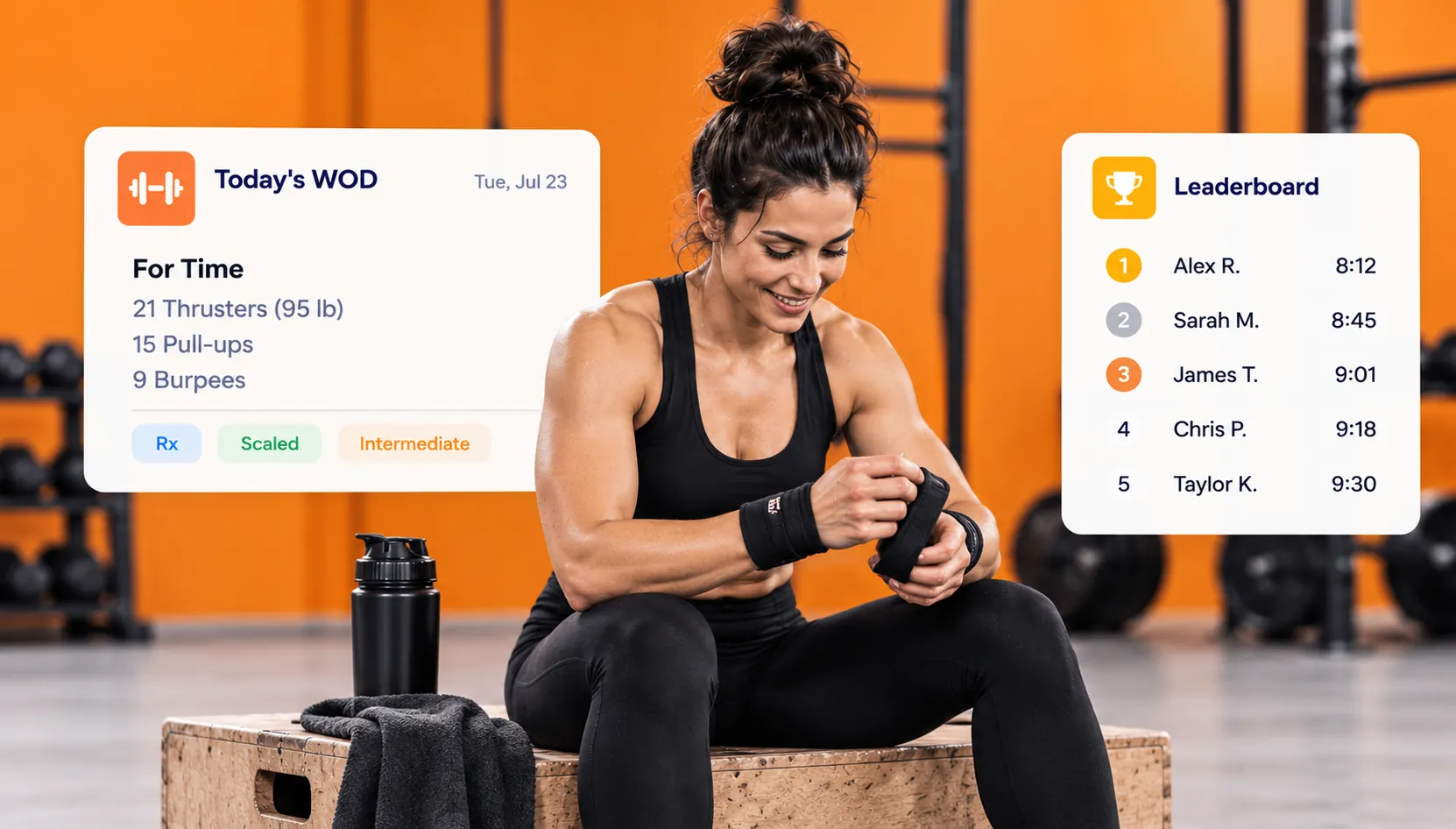
As well as booking class times, members should be able to access WODs and score tracking in a single app. This reduces the need for members to navigate between multiple apps to check their class schedules, view the day’s workout, and record their scores.
For a CrossFit box, helpful tools include:
- Daily WOD details
- Score entry and workout history
- Rx and scaled results if supported
- Personal records (PRs)
- Leaderboards for applicable workouts and benchmarks
These tools help athletes and coaches organize workout information and help benchmark performance without having to look through old messages and/or notes.
GymRoute offers tools for WOD tracking, scores, PRs and leaderboards. If members use an athlete-focused CrossFit app plus an Apple Watch or Garmin for workout tracking, they may use them for personal training as well. The goal is to keep the box’s booking and WOD flow as simple as possible, even if some members choose additional tracking tools.
Push notifications
There are a number of situations where push notifications can provide timely information to members. These include notifications about bookings, waitlist openings, schedule changes, class cancellations, and important box announcements. Notifications should be timely and appropriate rather than constant. It is a good idea to explain to members which notifications they can expect to receive and where they can find the latest class information.
Useful notifications include:
- Booking confirmations
- Waitlist openings
- Class reminders
- Coach or schedule changes
- Important box announcements
GymRoute’s member app offers booking, payment, and push notifications. See a demonstration of member notifications on both iOS and Android.
Establishing Reservation Rules Members Accept
A booking policy tells members when they can reserve or cancel a class, how waitlists work, and what happens if they do not attend. Consistent rules give coaches a way to manage the limited class spots. Rules, when stated, lead to less confusion and help streamline the process.
Your policy should address the following:
Booking Window: How far in advance members can reserve a spot.
Cancellation Cutoff: The deadline for canceling a class and what happens if they do not.
Waitlists: How members are notified if a spot becomes available and how quickly they must respond.
No-Shows: What happens if a member repeatedly reserves and does not attend class.
Late Cancellation: What happens if a member cancels class past the cutoff.
Drop-Ins: Do members need to pay, fill out a form, etc., to attend?
Class Prerequisites: What classes do members need to take to be eligible to attend certain classes?
Coach Approval: What classes do members need Coach Approval to attend?
These are policies the box can set. Not all booking platforms automatically manage all of the rules, and not all platforms charge a fee for a late cancellation and no-show.
Policy | Example of What to Communicate | Why it Helps |
Booking window | When reservations open for upcoming classes | Sets consistent expectations |
Cancellation Cutoff | The last time a member can cancel under the normal policy | Gives other athletes time to take a place |
Waitlist | How an available spot is offered | Reduces uncertainty |
No-show Handling | What happens after a missed reservation | Encourages responsible booking |
Drop-in Policy | Payment and arrival instructions for visitors | Makes guest attendance easier |
Before launching your new CrossFit booking app, make the policy easy to understand for members and share it via the app or your member site. For more resources, see how gym scheduling software works.
Rolling Out a Booking App at Your Box

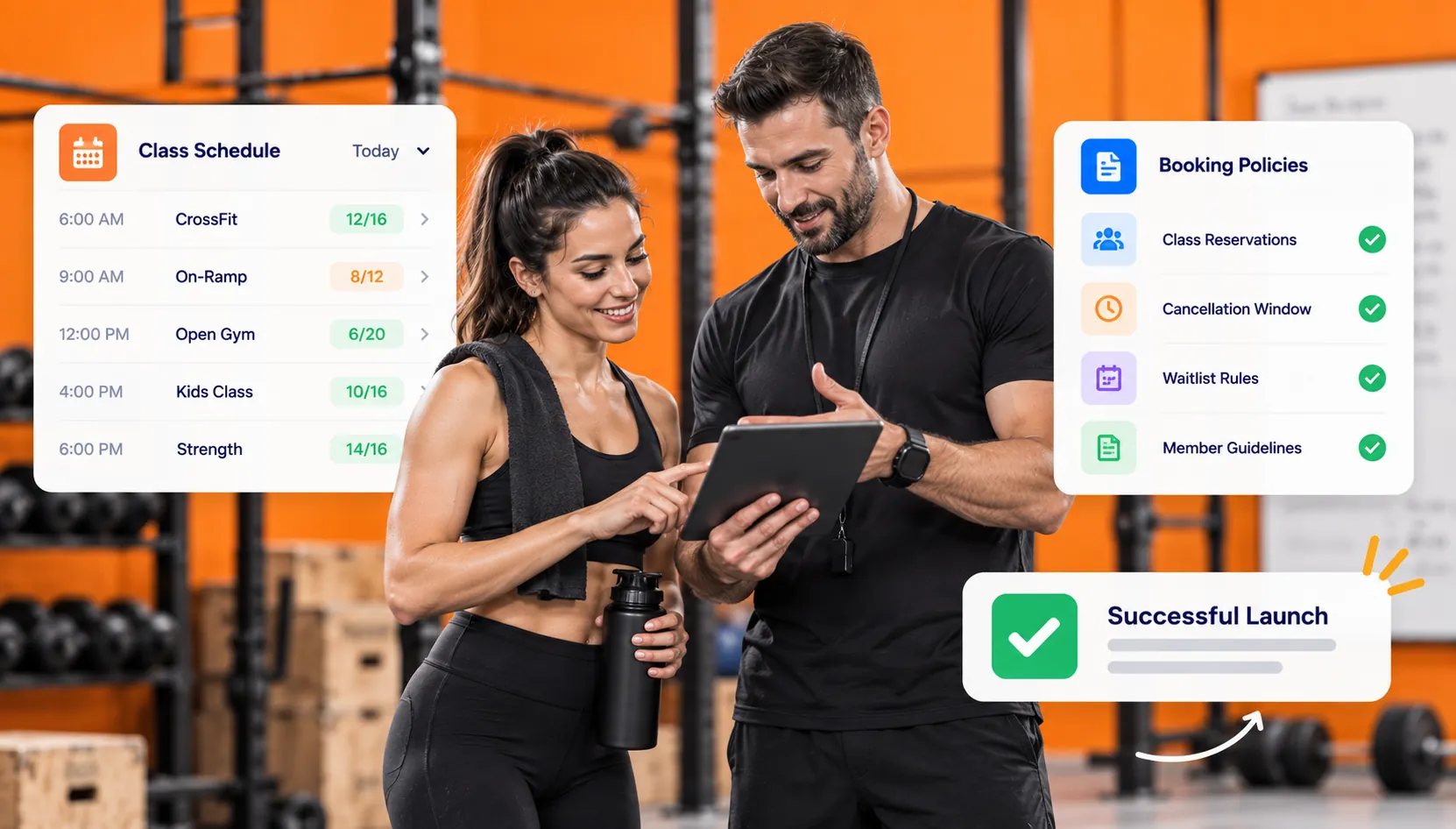
A straightforward class schedule, clear policies and rules, and a short learning window for members to adjust to new processes are all you need for a successful booking app launch. Making many changes without preparing members or coaching staff will just create unnecessary work for coaches and stress for members.
Use this plan for your launch:
- Update your Schedule: Add coach names, class limits, and regular times for each class type.
- Set Class Limits: Use your coaching ratios, available training equipment, and space.
- Set Up Waitlists: Decide how members will be notified, and how they will claim the spot.
- Manage Memberships and Passes: Check class packs and drop-in offers.
- Prepare Member Records: Update or add member data, and show members how to use the app.
- Communicate Changes: Tell members when booking opens. Explain the new cancellation policy.
- Run a Transition Period: Initially use the new app with your current process for 2 weeks or so, during which time you will communicate which record is authoritative.
- Review and Adjust: When booking is moved to the app, ensure coaches are able to accurately check in members to classes and resolve any waitlist or roster issues.
The suggested approach is to run a transition period. Choose a timeframe that fits with your class counts and the number of coaches you have. Give your members time to get accustomed to the new processes with respect to booking and attending class.
A smaller box may only require a short transitional period to get used to the new processes, whereas a larger box may require a longer period.
Booking and the WOD in GymRoute
GymRoute organizes class booking and workout logging in the same app for box owners to organize class booking and for members to log their Workouts. It includes features like class scheduling, instructor assignment, class size, waitlists, workout logging, scoring and tracking of personal records and leaderboards.
Members are able to book and pay for classes via the app and are given notifications. It also supports member management, class attendance, and members’ check-ins via QR code, tap or phone.
GymRoute may be a good option if your current process is to manage class bookings through WhatsApp, attendance lists, and/or a separate WOD app. Prior to selecting a plan, ensure GymRoute demonstrates the complete member journey, including booking a class and checking in to record a Workout.
To review how available features in GymRoute align with your box’s class structure and member experience, visit GymRoute. GymRoute provides software solutions, and this article is not an endorsement by, nor an affiliation with, CrossFit, LLC.
Frequently Asked Questions (FAQs) About CrossFit Booking Apps
Q. What is a CrossFit booking app?
A CrossFit booking app is an app that the box provides members to book class reservations, join waitlists, check in, and view the WOD, all from their mobile device. Depending on the booking system, members may also use the app to pay for drop-ins, receive notifications, and record workout scores.
Q. Do CrossFit gyms require you to book classes?
Generally, class reservations are required by boxes when class sizes are large and likely to reach capacity. Smaller boxes may still accept walk-ins. Booking helps coaches plan and organize equipment for the class and helps members reserve a spot in popular classes.
Q. Is there a free CrossFit app?
While there are some free workout apps available, a gym software solution that includes class reservations, membership management, and capacity waitlists may be included in a paid software plan. Analyze the features of the software and determine if the price is justified by the time you spend managing bookings manually. Read our guide to free vs paid software.
Q. What is the best gym class scheduling software?
The best software is the one that helps your box manage class types, capacity, waitlists, and payments while still providing a user-friendly experience for members and coaches. When making your selection, consider the complete member journey and review CrossFit class scheduling software.
Q. Can members book open gym and On-Ramp classes through the same app?
They can book both as long as the app allows the box to define both open gym and On-Ramp classes as bookable class types. Having both defined as bookable class types allows members to select the classes and for coaches to manage capacity and attendance, as well as organize introductory trainings without the need for a sign-up list.
Q. Can one app handle both booking and tracking WODs?
Yes, an app that has both features can allow members to book a class, see the daily WOD and be able to track their scores and other metrics without having to use different apps. GymRoute has all three features and more; book a demo to see which features are included in your desired plan.