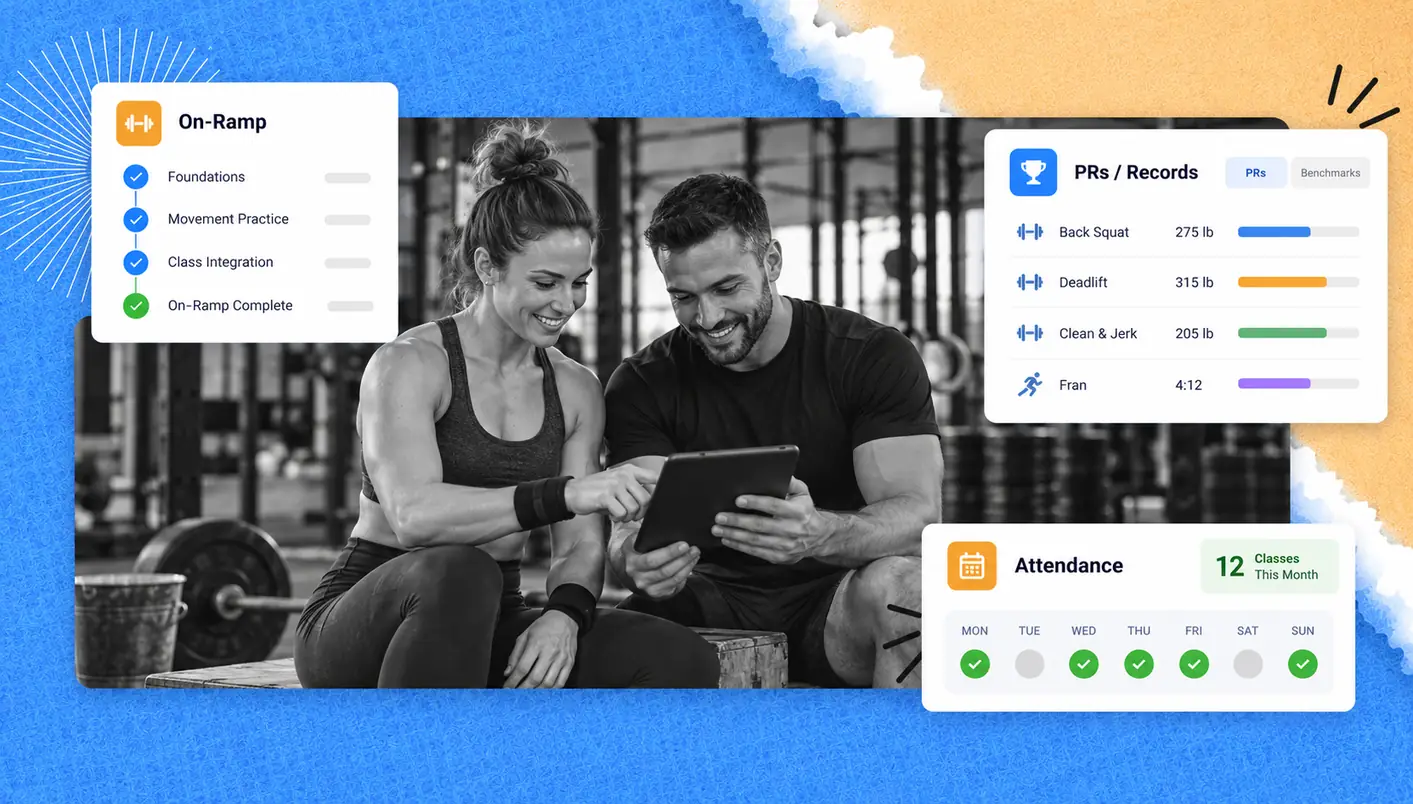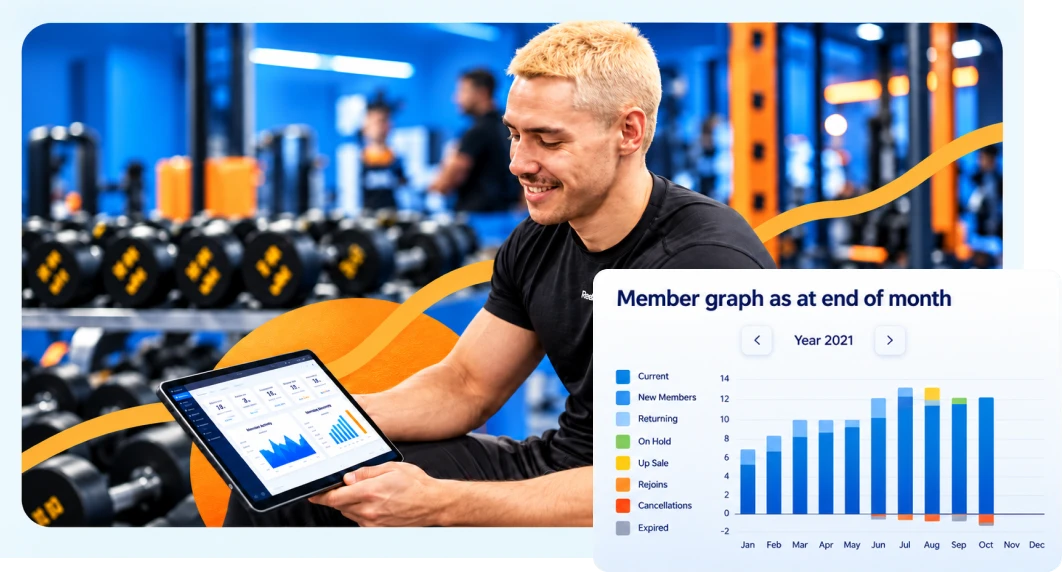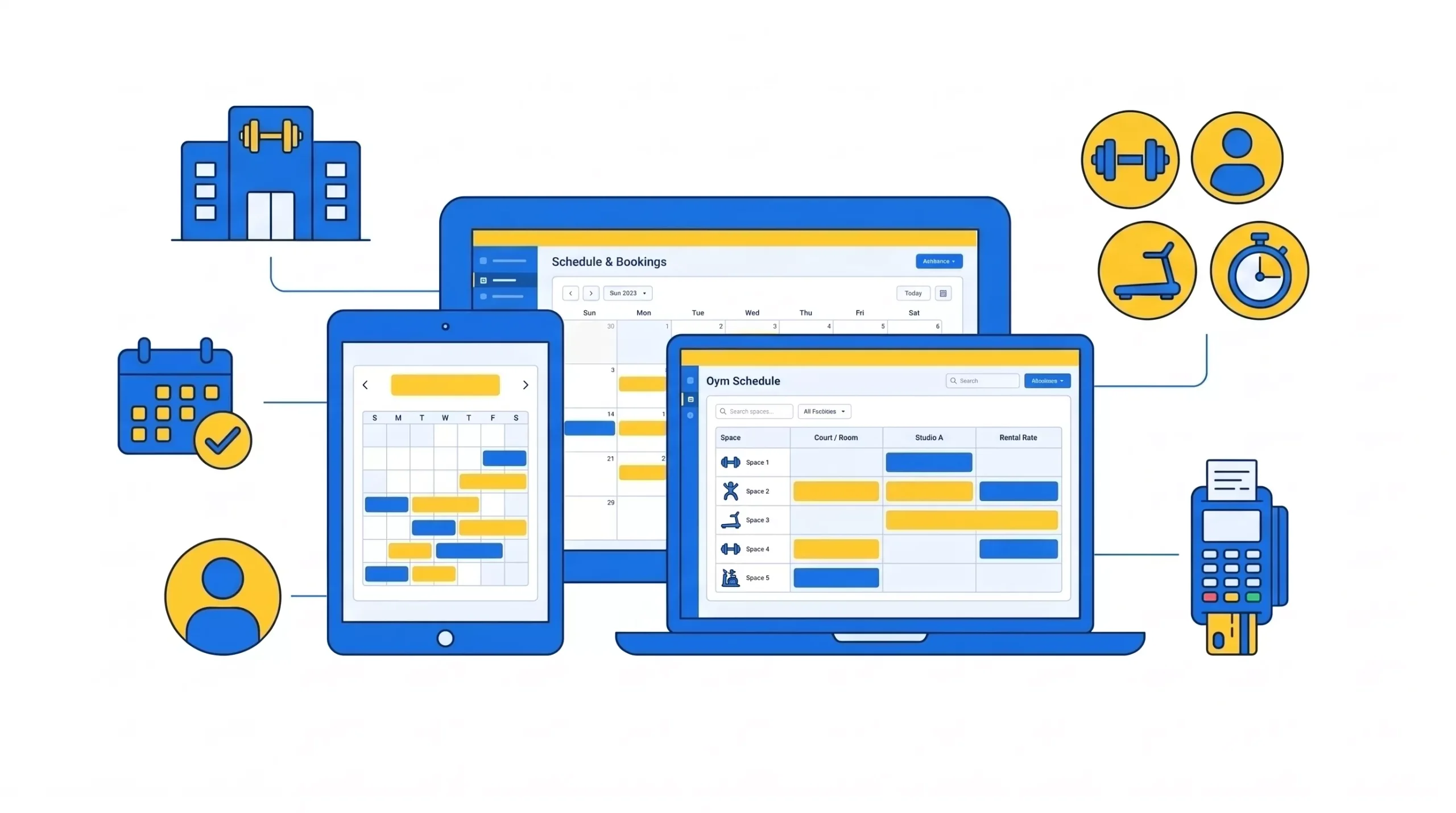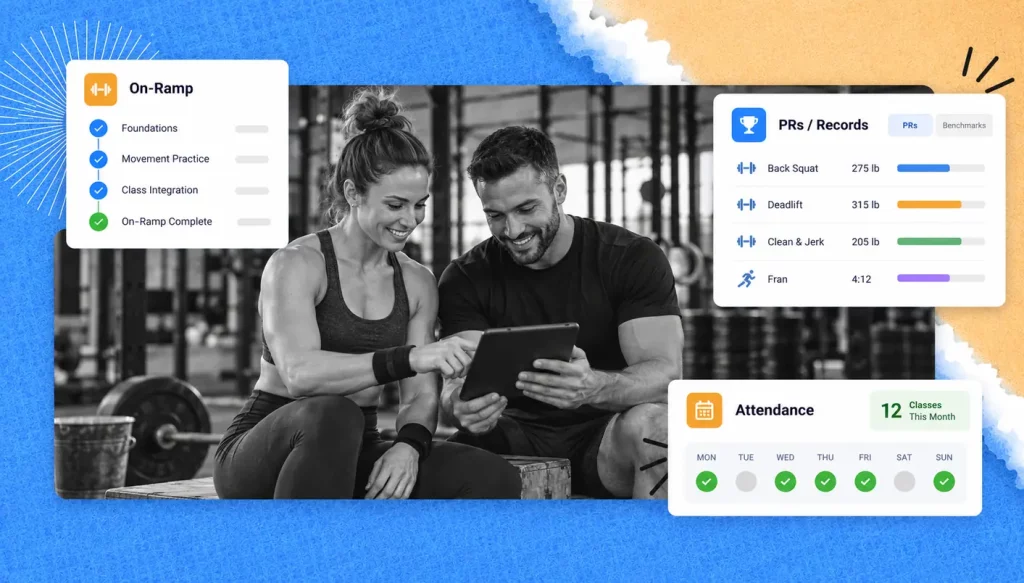
CrossFit athletes are tracked in three main ways: On-Ramp completion, performance records (e.g. PRs, benchmark workouts, etc.), and class attendance. When an athlete stops attending classes, a coach may miss early signs of disengagement and/or an intent to cancel a membership. GymRoute organizes the client management system, class scheduling, workout logging, and other processes in a CrossFit box through its CrossFit box management solution.
What to Track for Every CrossFit Athlete
There are several components that box owners and coaches should track for every athlete. They are athlete onboarding, training, attendance, and milestones. Collecting this data helps coaches set contextually appropriate goals and identify at-risk athletes, for example, athletes who are not regularly engaging with the box or training.
What to Track | When to Record It | Why It Is Important |
On-Ramp sessions completed | After each session | Confirms whether the athlete has covered the taught movements and instruction |
Attendance | Each class | Determines whether the new athlete has established a routine |
PRs and benchmark scores | After a workout is completed | Provides evidence of improvement over time |
Benchmark workouts (and retests) | Prior to a workout | Helps with goal-setting and to show progress to an athlete |
Recent attendance | Regularly | Identify an unexplained absence |
Milestones | After an achievement | Provides a mechanism to reward an athlete for effort and consistency |
Other information to track may include a score or visit, as well as coach’s notes on training goals and the next step agreed to by the athlete.
GYMRoute offers WOD score, PR, and leaderboard tracking. It also includes check-ins, loyalty points, and other features to motivate members and reward them for their progress. These elements of the program help coaches identify the training progress of members and integrate it within the overall experience of the member at the box.
Tracking the CrossFit On-Ramp Program

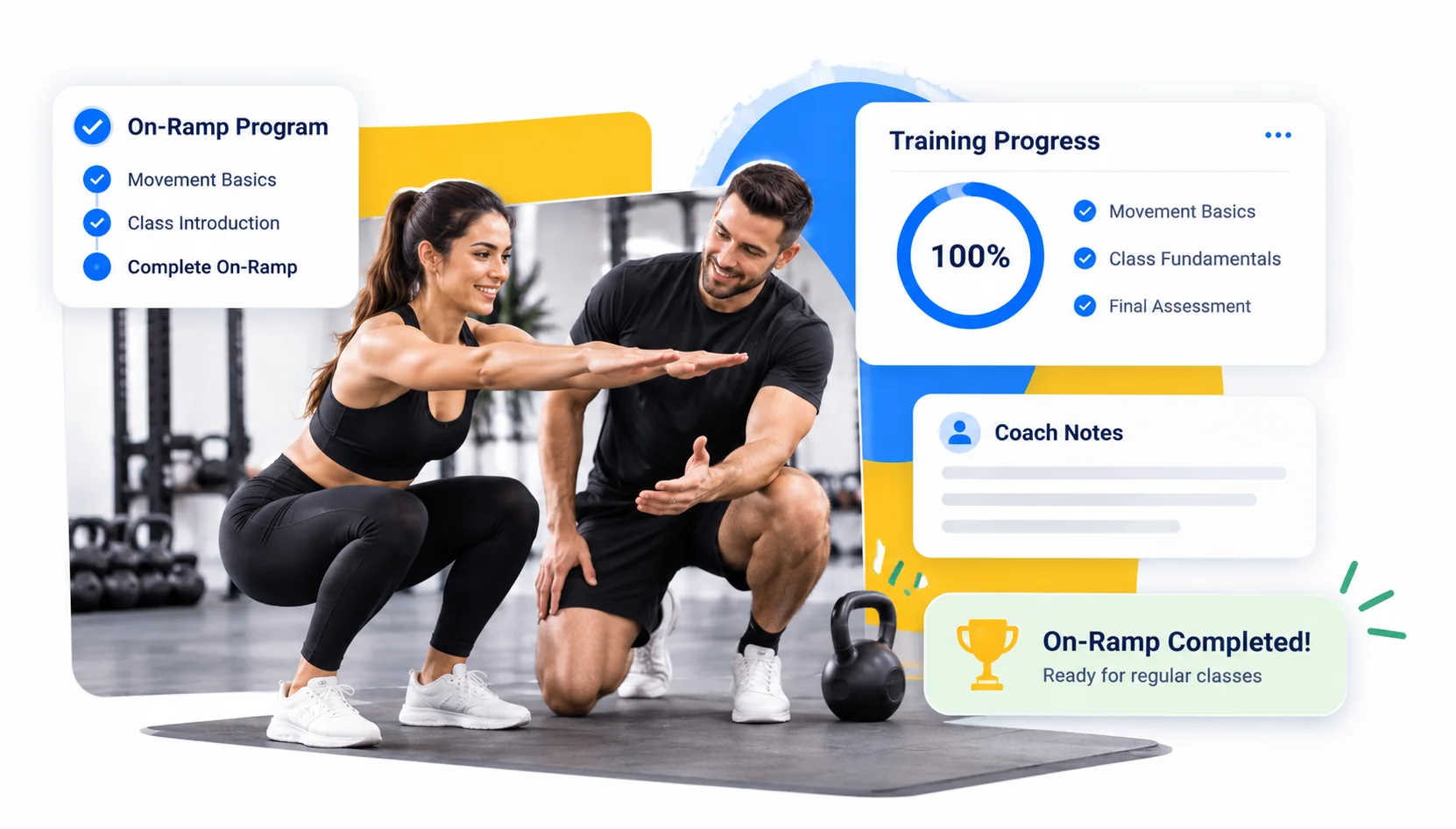
The CrossFit On-Ramp or Foundations program teaches movement and class basics and puts an individual in a position to succeed in regular group classes. When an individual completes their On-Ramp, their box should document their completed training, the notes from the coaching session, and the member’s transition to full box membership.
A series of workouts is not the only way to structure an On-Ramp program. There are several approaches to delivering the On-Ramp program and describing expected outcomes for each session. The program outlines three sessions, but affiliates are free to structure their programs as they see fit.
One of the training formats mentioned is small group training. The other formats listed include one-on-one and regular class training alongside a buddy.
The coaching guide notes that the appropriate length of an On-Ramp program depends on individual member needs, coaching resources, and the goals of the program design. There is a longer member onboarding guide here.
How Long Should a CrossFit On-Ramp Last?
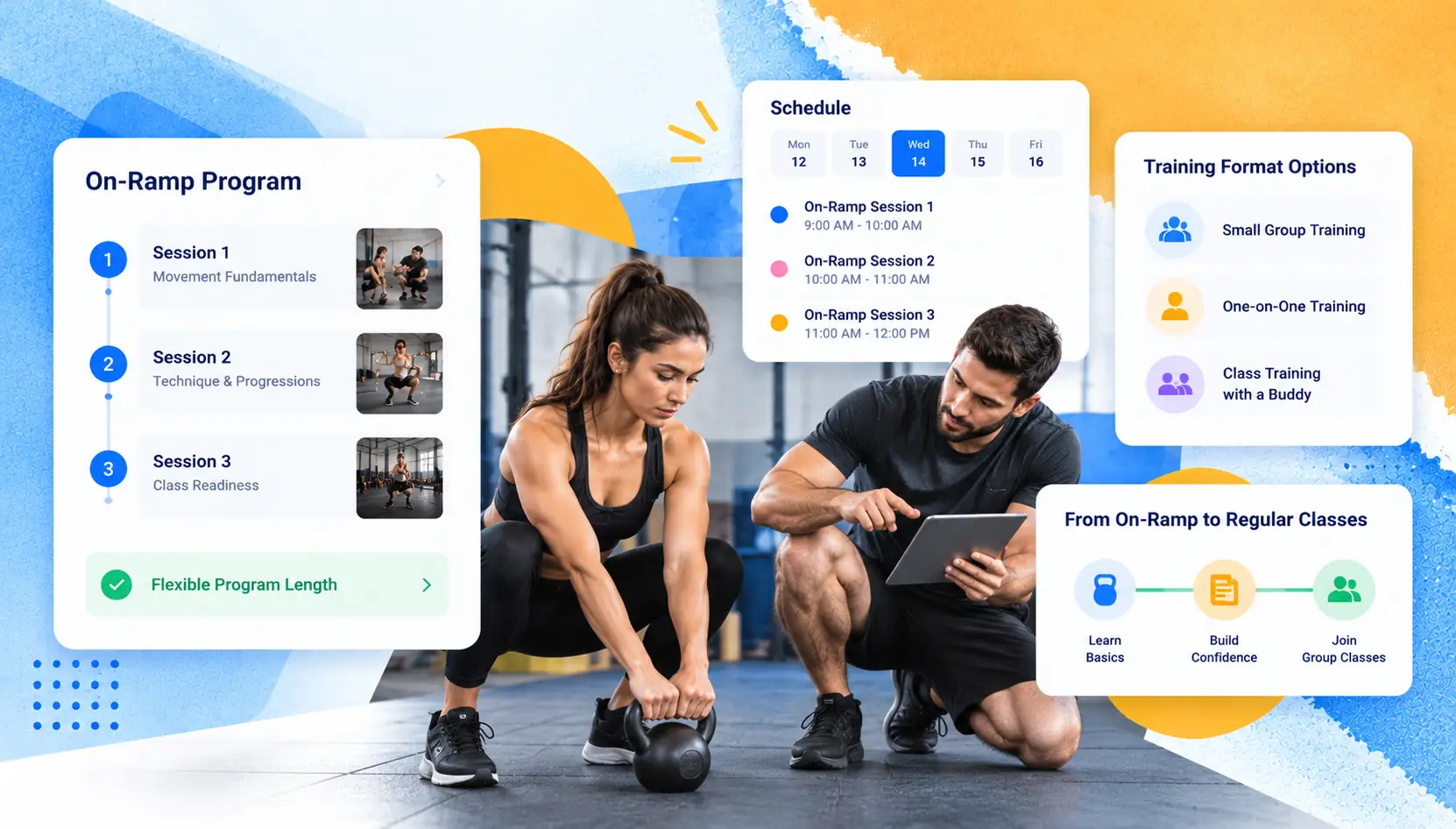
There is no standard length for a CrossFit On-Ramp. The January 2025 CrossFit coaching guide gives an example of a three-session program and says that coaching resources and program design flexibility allow affiliates to structure programs as they see fit. The formats mentioned include small group training, one-on-one training, and class training alongside a buddy. The coaching guide also includes numerous examples to support the points it makes.
Sample Session | Movement and Coaching Focus |
Day 1 | Air squats, push-ups, and kettlebell swings |
Day 2 | Deadlifts and gymnastics scaling |
Day 3 | Front squats, pull-up progressions and PVC pipe drills for Olympic lifts |
This sample shows what could be done on Day 1, and is in no way prescriptive of what must be done. A coach may need a few additional sessions to address movement quality and scaling, especially if an athlete needs to gain confidence before participating in regular group sessions.
What Should Coaches Record in Each On-Ramp Session?
Coaches record movements practiced, types of scaling done, any questions the athlete had, and follow-up work. An example of follow-up work could be practicing a specific movement and scaling using a heavier or lighter implement.
If the goal is for the athlete to attend and participate in regular group classes, an instructor may provide additional techniques the athlete can practice using the equipment provided in that class.
A head coach can arrange for a short goal-setting conversation and make class and membership recommendations based on the member’s desired level of fitness. Maybe it’s learning the 9 foundational movements, or perhaps it’s competing in the CrossFit Open.
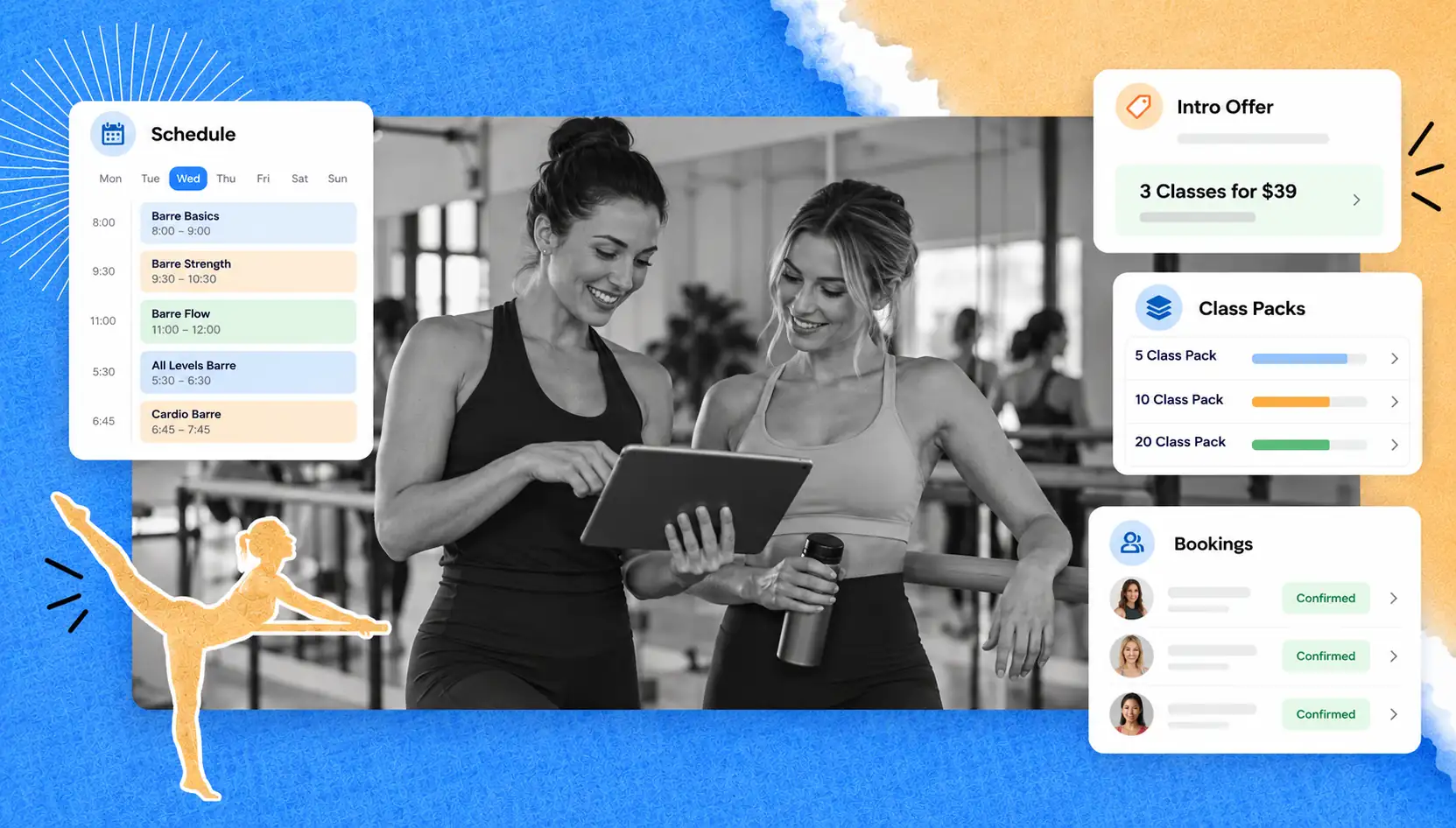
GymRoute supports class packs, so a box can structure an introductory program as a package. Its lead management features also aid staff in following up with trial and On-Ramp leads.
Use following up with On-Ramp leads as part of a defined process for assisting members in moving to the next step.
Tracking PRs and CrossFit Benchmark Workouts

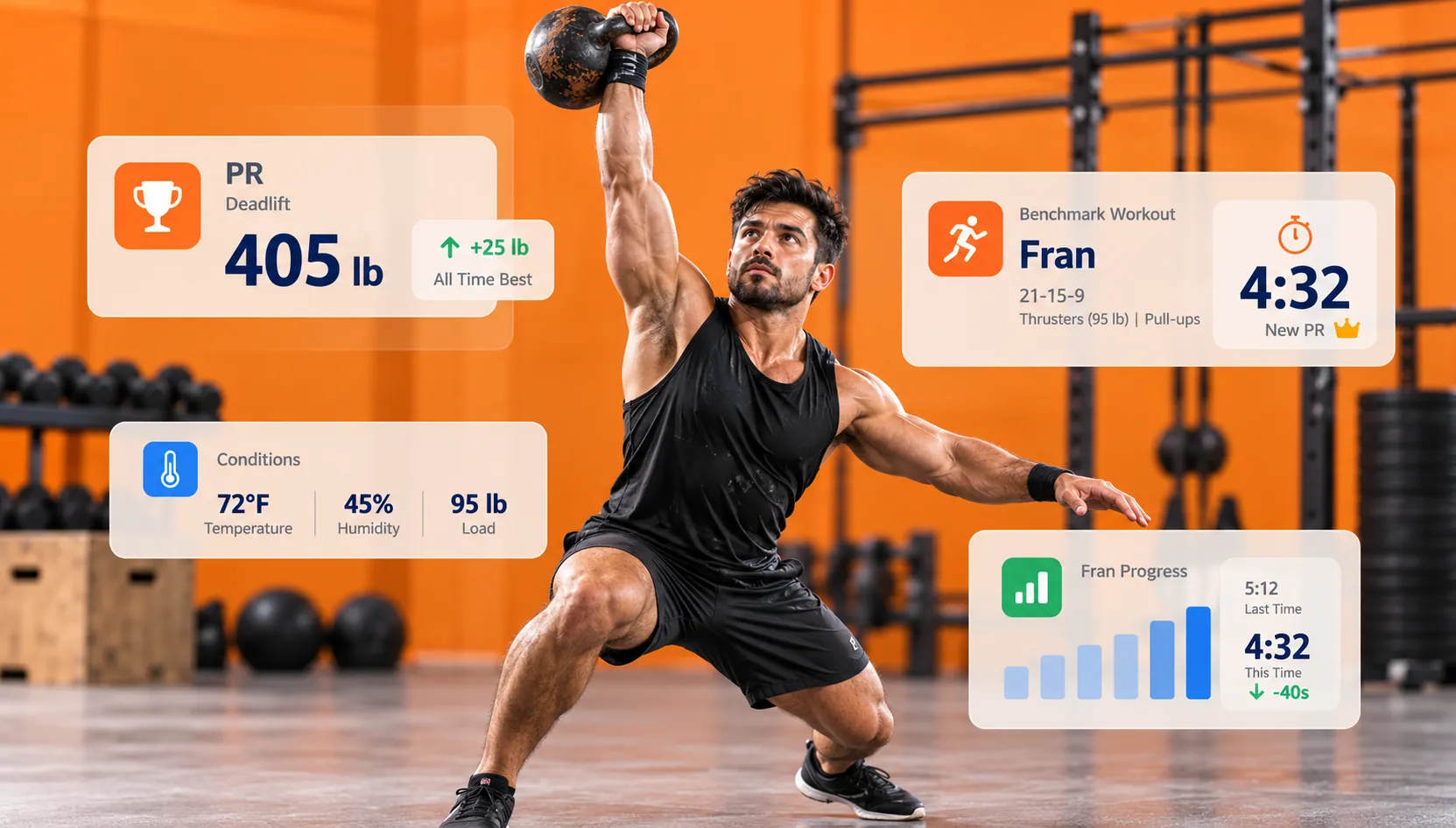
Coaches use personal records (PRs) and benchmark workouts to evaluate performance over time. Documenting workouts helps coaches compare performance over time by capturing environmental factors that might impact performance, such as external or internal load, temperature, and humidity.
In CrossFit, many workouts are scored by time or repetition. A PR is recorded when an athlete achieves the best score for a particular workout.
1. CrossFit Girl WODs and Hero WODs to Retest
The CrossFit Girls are benchmark workouts, including Fran, Grace, Cindy, Isabel and Helen. Hero WODs, including Murph, are also benchmark workouts many boxes use to capture members’ progress and celebrate their achievements.
Depending on the athlete, programming plan and training cycle, coaches may decide on an appropriate retest schedule.
Benchmark | What to Record |
Fran | Time, prescribed or scaled version, movement modifications |
Grace | Time, load, movement standard |
Cindy | Rounds, reps, variation of WOD |
Isabel | Time, load, scaled information |
Helen | Time; modifications |
Murph | Time; scaling; partitioning; conditions |
When benchmarking CrossFit workouts, be sure to keep the original conditions of the score, as there are athletes who search for “girl” and “hero” workouts and therefore already know the workouts. Coaches, however, need standardized benchmarks in order to make comparisons useful.
The same is true for CrossFit Open workouts. A number without the context of the prescribed or scaled version of a workout provides little value.
2. Logging scores, Rx or scaled results, and 1-rep maxes
A useful performance record differentiates Rx workouts from scaled workouts, and captures the details necessary to interpret each score. Scaled workouts aren’t failed Rx workouts; they are scores accomplished with scaled version under defined conditions.
GymRoute is a tool for logging WODs and tracking athlete and gym performance. It captures the details of your performance record and helps organize your results rather than scattering them across a whiteboard, personal spreadsheets, and old emails.
3. Leaderboards that motivate instead of discourage
Leaderboards work best when they reward progress, without assuming all athletes start with the same training background. Separate Rx and scaled results, and reward progress towards things like consistency, technique and personal bests.
A coach can also motivate athletes by acknowledging things like an athlete’s first pull-up or other small achievements. This type of feedback not only rewards progress, but also lets athletes know what they need to work on to be successful.
GymRoute provides a member app and leaderboards to give athletes the ability to access training information in a digital format. Prior to publishing results, each box needs to consider member preferences and policies.
4. Tracking attendance and spotting athletes at risk
Tracking things like member check-ins or attendance can help a coach identify training problems or disengagement before a member cancels their membership.
In the 2025 Benchmarking Report of The Health & Fitness Association, the average retention for members of health clubs was reported at 66.4% in 2024. CrossFit affiliates may not fall within this report, but retention is clearly important enough to be studied along with new member acquisitions.
5. Check-Ins that Track Themselves
Automating check-ins helps the box remove the administrative burden of attending to class sign-ins. It also gives a clearer picture of who was in attendance. Instead of using a paper sign-in, a digital method may be used to check in.
Staff can check members in a variety of ways and easily keep the check-in process convenient for members prior to class. Multiple ways to check in give members more control of their access, depending on their preference and situation.
Check out QR and tap check-ins to experience a member access and attendance process that can be entirely digital.
When members become more comfortable with the check-in process, coaches can take a deeper look at the attendance data in conjunction with the published class schedule. If an athlete stops showing up to classes, for example, that can be a good time for a coach to reach out to the member.
6. Warning Signs Before an Athlete Quits
There are other signs to look out for, as well. Unexplained gaps in check-ins or significant reductions in a member’s involvement could warrant concern for the member’s well-being and justify a reach-out from a coach.
- Consider recent attendance: Has there been a normal pattern of attendance recently? Is the athlete attending classes, and is the athlete able to participate at the level they normally would?
- Training goals: Is current training still working towards the athlete’s goal? Are there barriers to training that need to be discussed? Is the athlete suffering from illness or discomfort? Has the athlete shared that they require additional instruction?
- Reach out personally: Send an encouraging note or speak with the athlete at their next class.
- Agree on a next step: Suggest an appropriate class, arrange a goal-setting session, or adjust training to accommodate other constraints.
For example, a member who has skipped several training days may be going through a work change, like a new job, rather than losing interest. A coach who asks an open question can identify the issue and resolve it without making the member feel like they’re being investigated or pressured.
GymRoute offers member communications, reminders and notifications via its member app. We’ll have to confirm with GymRoute if it offers an attendance report and/or automatically flags members who have stopped checking in, before including that in your process.
7. Milestones and shout-outs
Achievements may include a member’s 100th class, first pull-up, a new PR, and/or an attendance streak. They can also include participating in the CrossFit Open or helping a member celebrate a milestone by posting “shout-outs” in the member app or on the community board.
Several recognition methods may already exist, including a coach’s private message or a member app notification. To keep it simple and easy to use, create templates for recognition based on personal preference.
GymRoute has tools to offer members loyalty points for check-ins and for achieving milestones. A box can reward consistent participation by giving loyalty points for each class attended and/or recognize members’ efforts by awarding points for community involvement.
For context, according to Morning Chalk Up’s reporting on March 4, 2025, the 2025 CrossFit Open had 233,815 registrations with an unofficial count indicating a decline of approximately 32% from 2024. Registration figures for the CrossFit Open do not and should not be interpreted as a proxy for retention at an affiliate. Read more in the CrossFit Statistics guide.
Boxes can utilize the same athlete record to track event attendance, pertinent training goals, and post-event follow-up.
8. Athletes’ Own Trackers vs. The Box’s Records
In regard to tracking athlete metrics, wearables such as Apple Watch and Whoop, and devices such as Garmin can help; however, a box still needs class-linked records. The integrations, if any, between devices and gym management systems do not make up a complete record of a CrossFit workout or training.
The best approach is to be intentional about recording the metrics and data needed for coaching and let the athlete make a decision about what metrics they want to share.
GymRoute’s records of scores, PRs, and attendance provide coaches with a training activity log of athletes in their box without relying on information from an athlete’s personal device.
Conclusion
Tracking CrossFit athletes requires connecting the dots on onboarding, performance and attendance. A coach is not able to effectively help an athlete if they are not able to track the athlete’s history, progression and overall presence.
GymRoute helps CrossFit boxes organize these activities with WOD score tracking, PR tracking, leaderboards, class bookings, digital check-ins, lead follow-up, packages, memberships and loyalty points. This allows the coaches and owners to have a systematic way to keep consistent athlete records and progression.
If your box still uses manual spreadsheets, paper sign-in sheets, and manual entry of WOD scores, take a look at how GymRoute’s CrossFit gym management software can help you unify your processes and simplify athlete tracking.
Frequently Asked Questions (FAQs)
Q. How do CrossFit gyms track their athletes?
CrossFit gyms use records of completed On-Ramp sessions to track a member’s initial training. There are numerous other records to track PRs, benchmark workouts, retests, and regular attendance. Keeping records of an athlete’s progress in one central location aids coaches in tracking a member from their On-Ramp sessions to classes and in identifying when an individual progress check-in may be warranted.
Q. What is a CrossFit On-Ramp program?
A CrossFit On-Ramp program, or Foundations, covers the basics of CrossFit such as movements, coaching, and scaling. CrossFit’s January 2025 coaching tips outline alternative methods for organizing the lessons, including teaching small groups, large groups, or one-on-one.
Q. How long is CrossFit On-Ramp?
There is no standard length of time a box can assign to its On-Ramp program. CrossFit’s January 2025 coaching tips provide a sample lessons program covering three lessons which cover foundational movements and scaling. Completion is determined by learning goals.
Q. What are the CrossFit benchmark workouts?
They are workouts that athletes perform repeatedly to track their progress. The “girls” are Fran, Grace and Cindy, and hero workouts include Murph. Coaches need to track all scores, movement standards, scaling and the conditions and explain to members that they will compare results fairly.
Q. How frequently should athletes perform benchmarks?
There is no standard frequency; it depends on the programming plan of the box and the purpose of the workout. A coach can set a retest cycle and preserve the member’s original score. It is important that the member explains the version of the workout, scaling and conditions to ease comparison.
Q. What is member management software for a CrossFit box?
Member management software helps organize important member data and other schedules (classes, bookings) in the gym in one system. GymRoute offers member management and WOD tracking, athlete scores, PR’s, and leaderboards. Find out more about CrossFit gym management software.