
Gym billing software
Gym billing software helps you automate charges and link member accounts, invoices, and payments in one place. GymRoute handles recurring payments, failed payment alerts, and payment reminders, so your staff spend less time chasing fees and more time with members.
What is gym billing software?
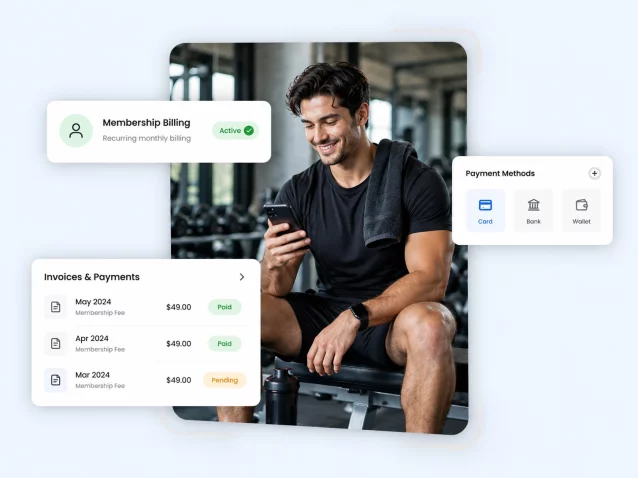
Gym billing software helps fitness businesses automate membership and recurring payment processes. It covers invoicing, failed transactions, balances, and payment history, plus reminders for members who are overdue.
Without it, staff keep spreadsheets and manual records, and it gets hard to find where a payment problem started. GymRoute is gym payment software built into its gym management system, so billing, memberships, and member accounts stay linked.
Why gyms need a dedicated billing system
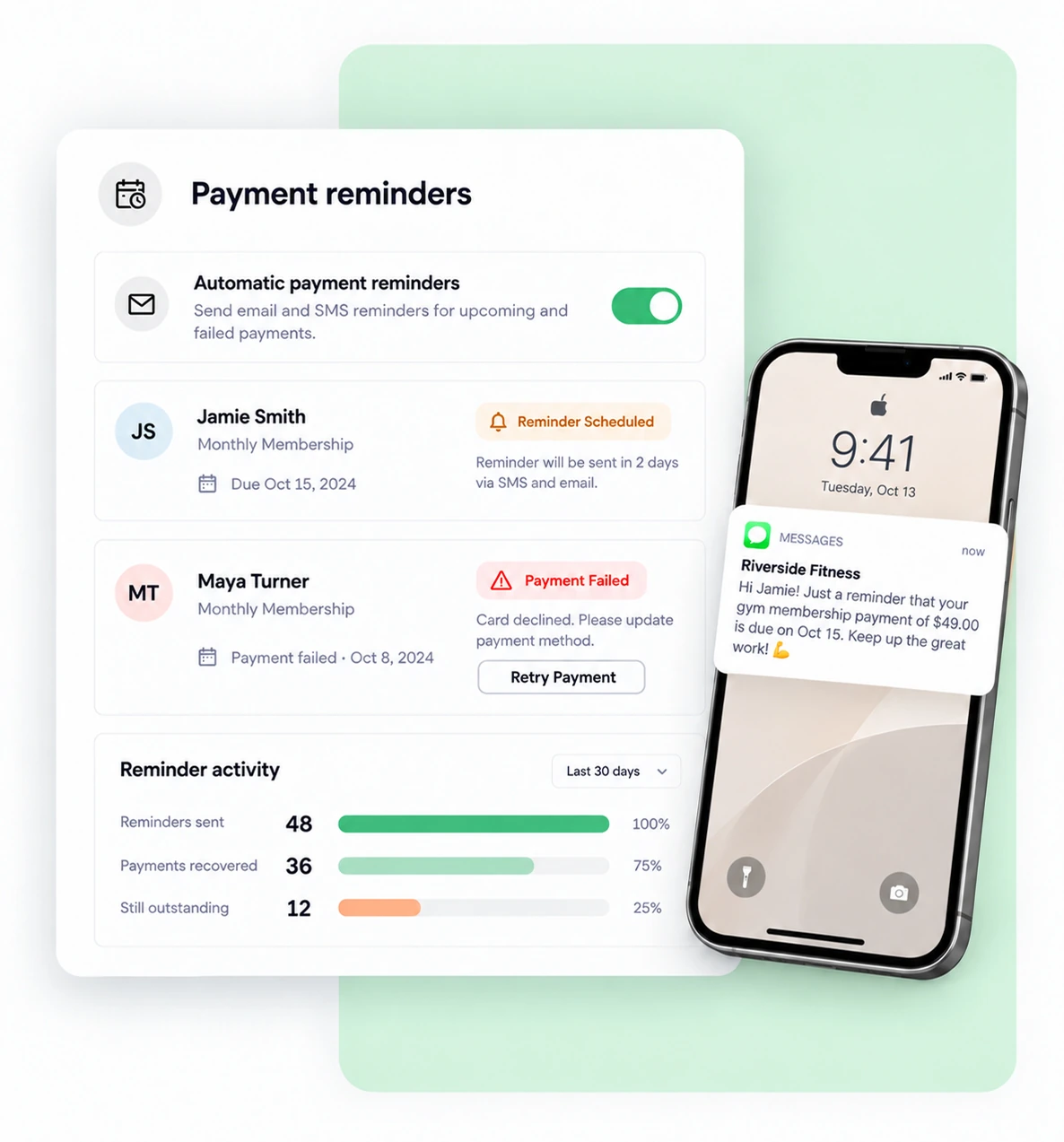
As memberships and payment structures grow, staff end up maintaining several records, preparing invoices, checking transactions, and contacting members about overdue payments. GymRoute automates much of that work, so your team works from one account record per member.
- Recurring payments for monthly and annual memberships
- Automated invoicing for every charge
- Failed transactions tracked in one place
- Payment reminders for upcoming and overdue fees
- Account balances and payment history on every member profile
Gym membership billing frequency and collections
Not every membership bills the same way. Annual memberships need attention over longer intervals, and class packs use a different payment structure. Renewal is when you see whether a membership is paid, and invoices, payment history, and balances let staff check an account without starting a new record each time.
- Monthly memberships with recurring payments
- Annual memberships with longer billing intervals
- Class packs with their own payment structure
- Renewals tracked by payment status
- Payment history and balances on each member account
Billing that covers the whole payment cycle
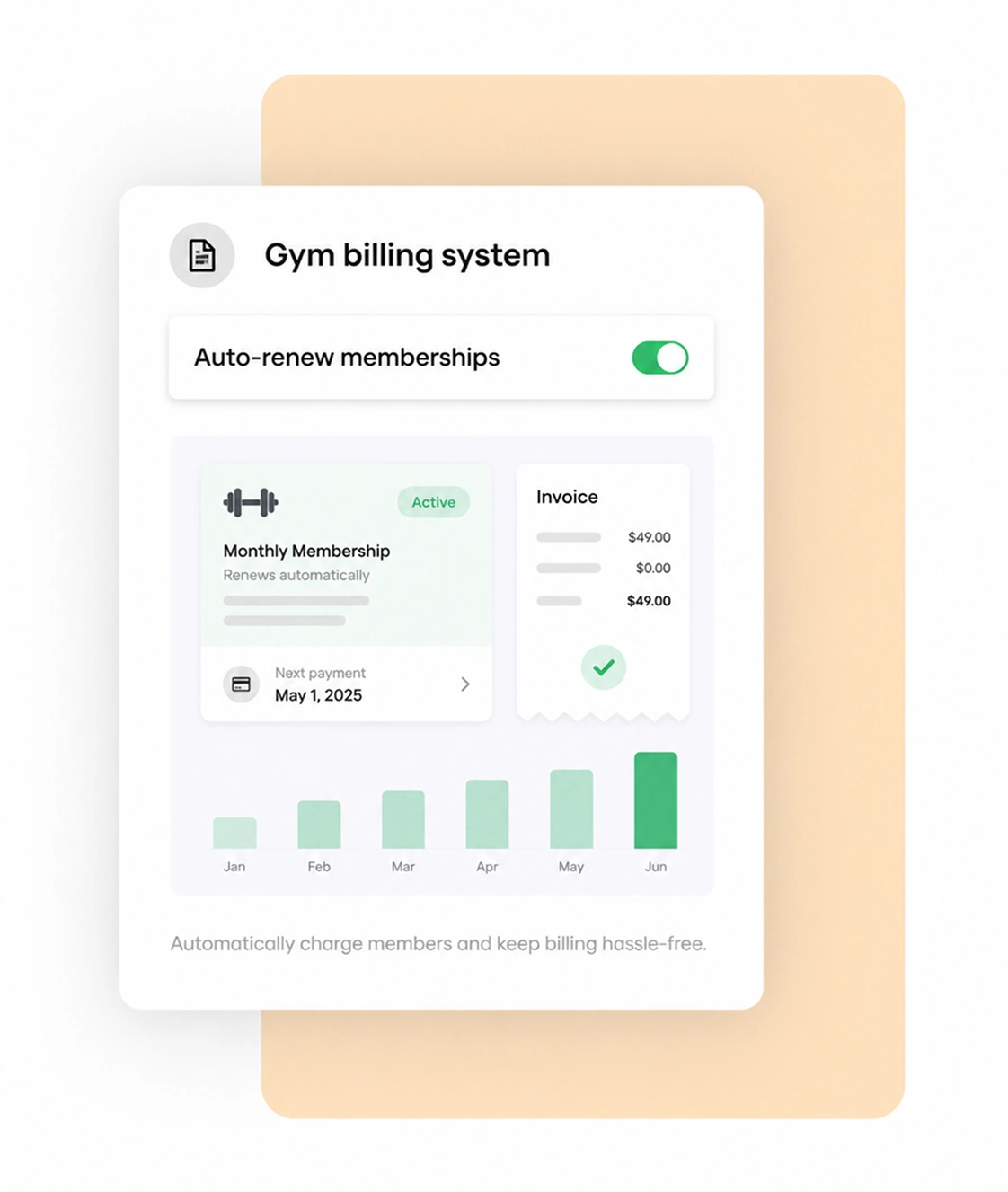
GymRoute is not a standalone billing tool. Billing sits in the same platform as memberships, member accounts, lead management, and POS, so you manage payments without switching systems.
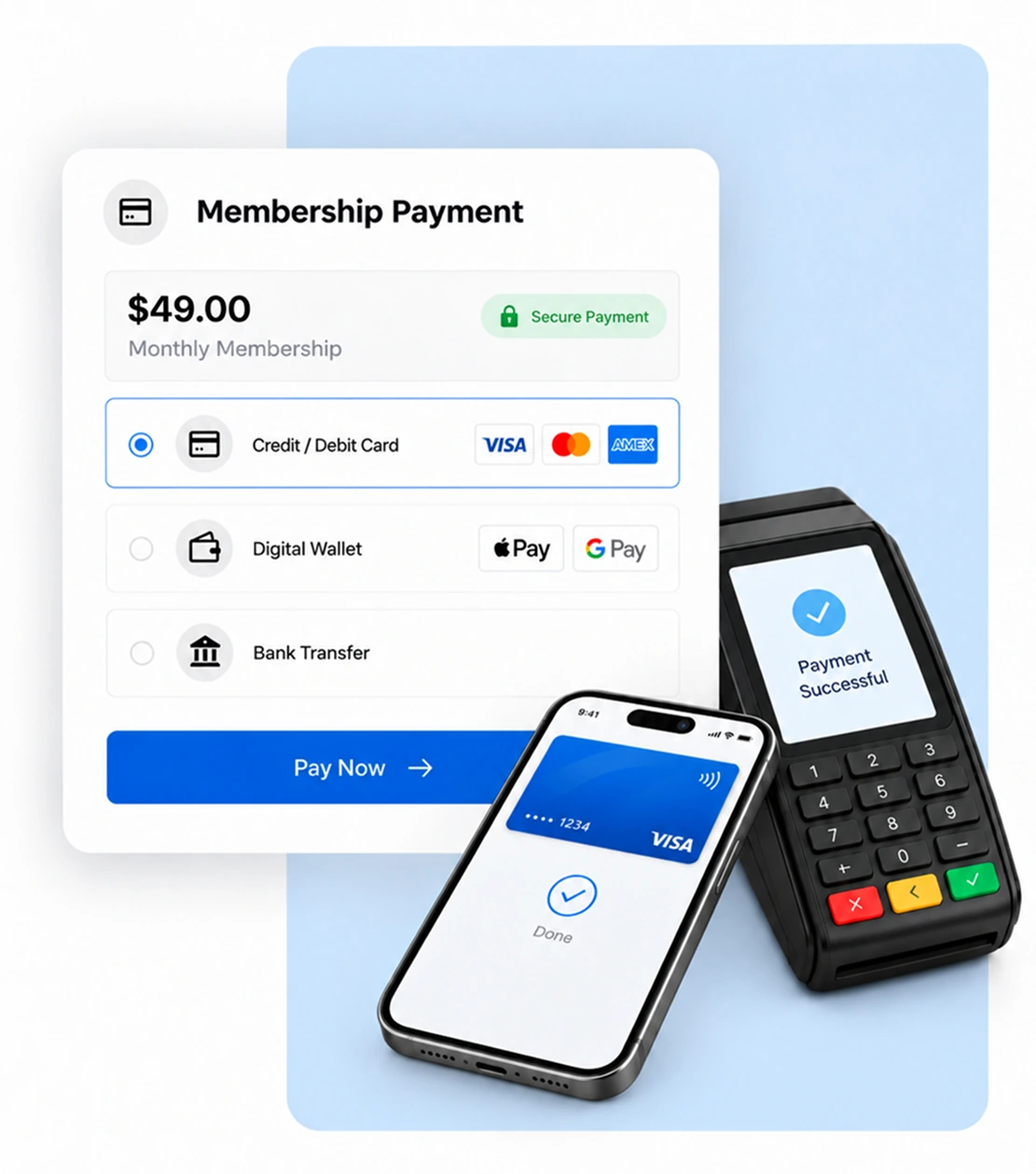
Gym payment software and payment options
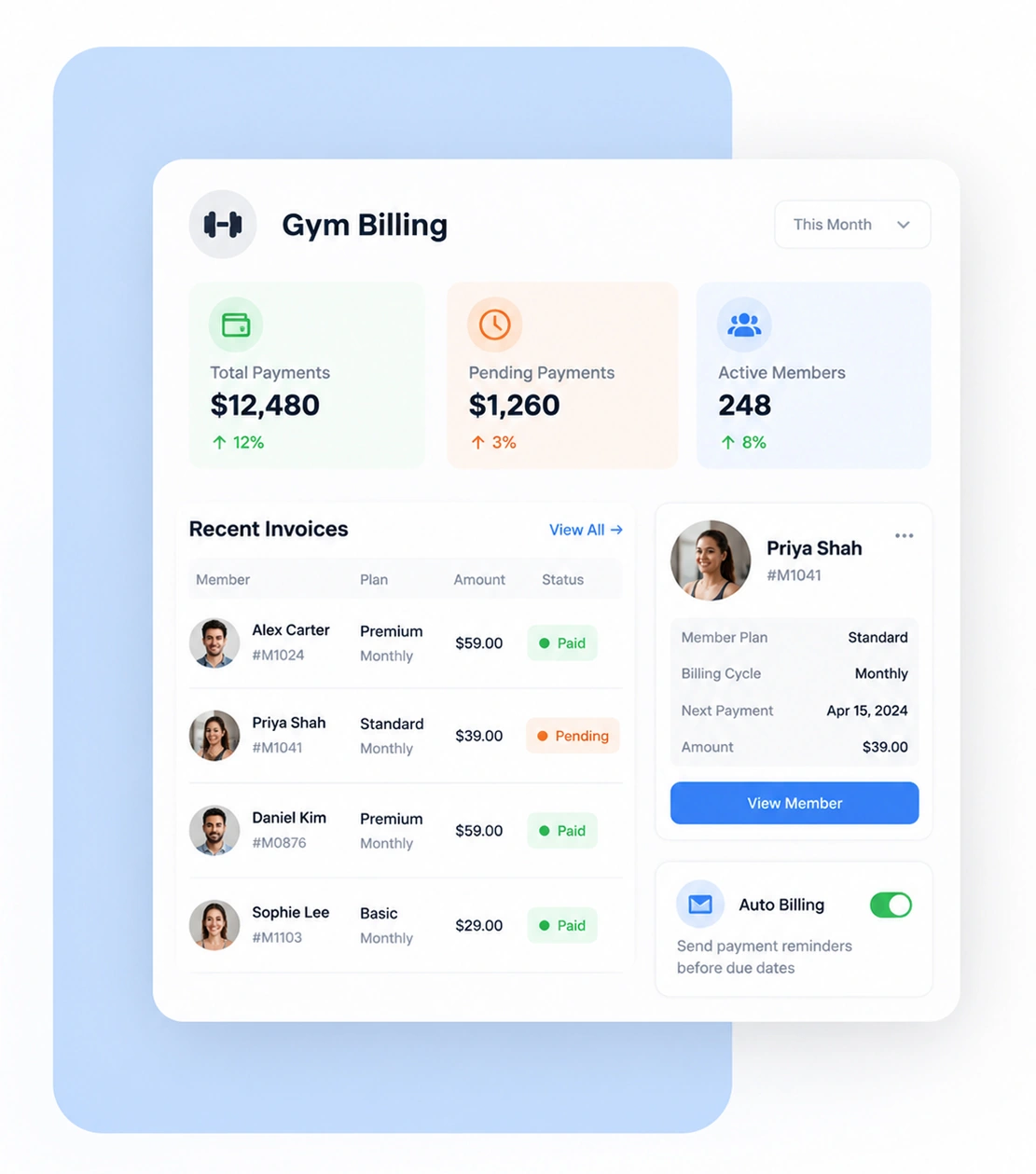
Gym payment software records member transactions as part of the payment arrangements you configure. Check that the available processors and payment types match how your gym collects fees. The right processor depends on your setup, and GymRoute supports three.
- Stripe
- GoCardless
- PayTabs
- Full payments and split payments, such as a joining fee paid in two instalments
- Partial payments, where a member pays part of an invoice now
What to check before switching billing software
Start by listing the billing tasks you want to simplify, then confirm the software supports them. GymRoute posts three plans: Excel at $99 a month (billing included, no contracts, free data migration), Exceed at $199, and Ultimate at $299. Pricing varies with plan and terms.
- Billing cycles: monthly, annual, and class packs
- Processors: Stripe, GoCardless, or PayTabs for your workflow
- Full, split, and partial payment support
- Failed payment and outstanding balance tracking
- Subscription costs and data migration
Frequently Asked Questions
Have questions about billing? Here is how GymRoute handles recurring payments, failed payments, partial payments, and pricing.
What is gym billing software?
Gym billing software tracks recurring payments and invoices. Staff can review transactions, manage payment records, and see unpaid accounts. GymRoute includes billing in its Excel plan, so payment record-keeping sits alongside the rest of your gym management.
What happens when a member’s payment fails?
GymRoute tracks failed transactions, notifies your staff to follow up, and sends overdue payment reminders. Staff can check the transaction history to see whether the member still owes a balance. Payments fail for many reasons, such as an expired or declined card or insufficient funds.
Can members pay in parts?
Yes. GymRoute supports split and partial payments, for example a joining fee paid in two instalments. Staff should check the member’s payment history to confirm the balance is fully settled. You can see the payment workflow in a demo to check it fits your billing policies.
How much does GymRoute billing cost?
Billing is included in GymRoute’s monthly subscription, starting with the Excel plan at $99 a month. The current offer has no contracts and free data migration. See the pricing page to compare Excel, Exceed, and Ultimate.
What should I look for when choosing billing software for a gym?
Look for recurring billing, automatic invoices, reminders for due balances, and clear payment history and outstanding balances. Also check which processors are supported and what it costs. Small gyms can use it too, since the plan depends on your budget, memberships, and staff needs.
Grow Better With GymRoute
Optimize operations, increase revenue, and enhance member experience with GymRoute’s all-in-one solution.