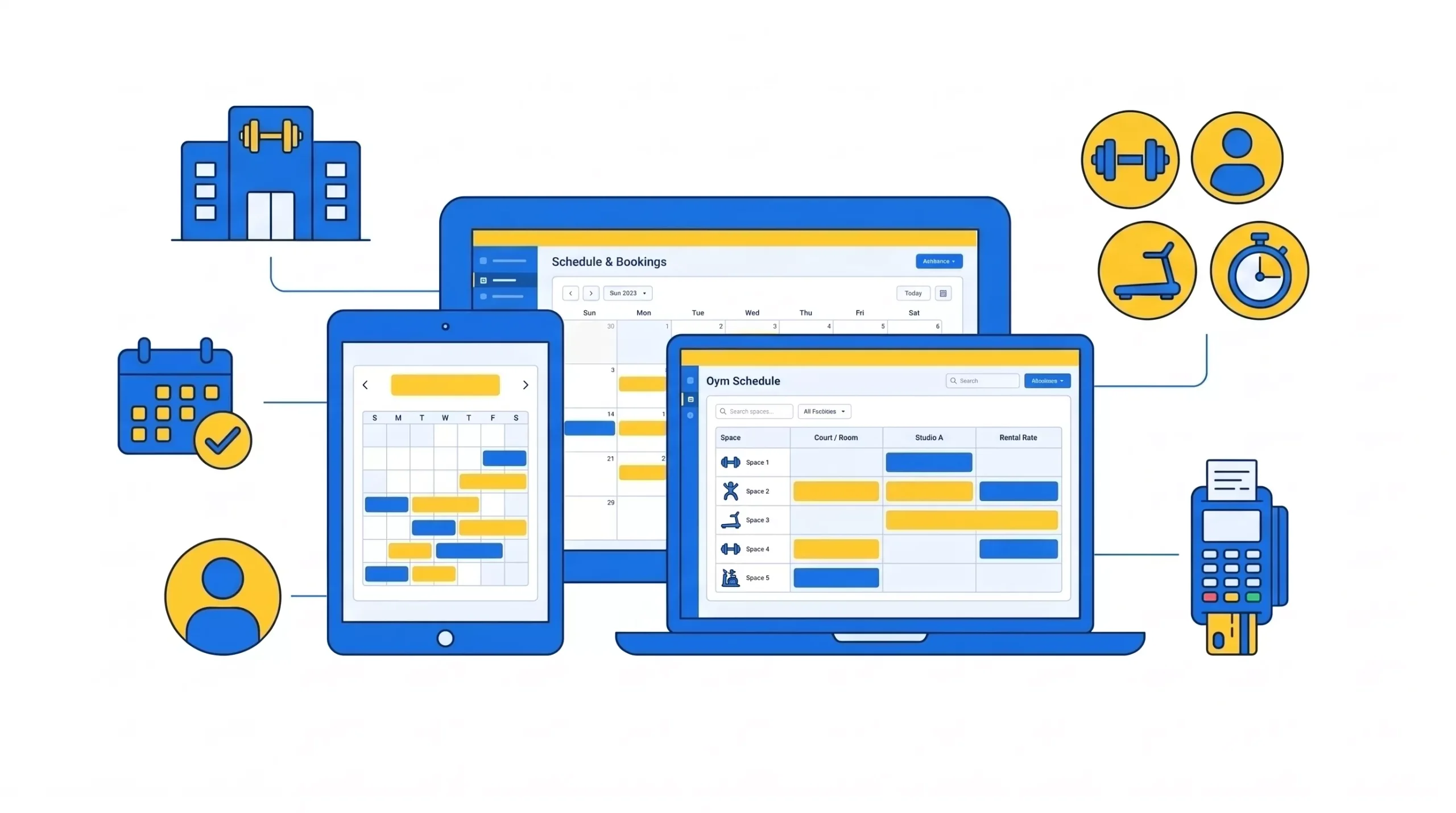
Gym scheduling software helps the gym manage class bookings, trainers, and members’ appointments in one simple system. It reduces no-shows with automated reminders and saves staff hours every week. Many gyms lose 15-30% revenue from empty spots. Smart scheduling tools recover that income. They improve member experience with easy mobile booking and instant confirmations. Pricing usually ranges from $50 to $400 per month, depending on features. The right software increases retention, boosts revenue and improves operations. If you want smoother scheduling, better attendance, and stronger growth, modern gym scheduling software is no longer optional in 2026.
It is Monday evening.
Your gym is busy. Your coaches are ready. Your front desk is trying its best.
But the day is not running the way it should.
A member says they booked, but their name is not on the list. Another member is angry because they drove 20 minutes and the class is full. A coach asks,
“Who is coming?”
And you are not fully sure, because the list changed three times today.
Then the real punch lands.
The class that looked “full” ends up with empty spaces. People who booked did not show up. Your waitlist people did not get the spot. The room looks half-full. The vibe drops. And your coach still gets paid the same.
This is not just annoying. This is expensive.
Every empty class spot is a paid spot you cannot sell again. Every booking mistake creates messages, refunds, and stress. Every small problem makes your gym feel less professional. And when your gym feels messy, members leave.
In 2026, this matters more than ever.
People live on apps. They book everything fast. They expect booking to be easy. Mobile health and fitness apps hit 3.6 billion downloads in 2024, which shows how normal “phone-first fitness” has become.
Also, many gym fights churn every year. A major industry benchmarking report from the Health & Fitness Association (HIFA) reported a member retention rate of about 66.4% for the year in its 2025 report. That means many gyms lose about one-third of their members in one year. That is a lot of replacement work.
So here is the truth.
Your schedule is not just a schedule. Its is a sales system, and a retention system.
Gym scheduling software is the silent engine behind gym growth. It keeps your gym running like clockwork. It keeps classes full more often. It keeps the staff calm. And it helps members stick to a routine.
This guide will show you everything you need to know about gym scheduling software in 2026.
What is gym scheduling software?
Gym scheduling software is a tool that helps you plan and manage bookings.
It lets you:
- Build your class timetable
- Set class limits
- Let members book on their phone
- Assign trainers to sessions
- Manage cancellations and waitlists
- Send reminders so people show up
- Track attendance so you know what is working
Think of it like your gym’s digital assistant. It works all day. It works all night. It does not forget. And it does not lose the list.
What it is not
Some gyms still run scheduling with basic tools. These tools can “work,” but they fail when you get busy.
- Excel sheets are manual. They are easy to mess up. Two staff members can edit different versions. Then nobody knows which one is right.
- Google Calendar is not built for class caps or member booking. It will not stop 25 people from trying to join a 20-person class. It also does not run a waitlist the right way.
- Paper notebooks are fast, but they are not safe. They cannot update in real time. They cannot show trends. They cannot send reminders.
These tools are not the problem. The problem is that they were not built for gym booking.
Scheduling-only vs all-in-one systems
Some systems do scheduling only. They focus on the calendar, class booking, and rosters. Other systems are all-in-one gym management platforms.
They combine scheduling with things like:
- Memberships
- Billing and payments
- Lead tracking
- Messages and follow-ups
- Reports and dashboards
A scheduling-only system can be fine if your gym is simple and you already have strong tools for everything else.
An all-in-one system can be better when you want fewer gaps. Because gaps cause leaks.
If booking is in one tool and payment is in another tool, problems happen. Someone books without paying. Or someone pays but does not show on the roster. Then the staff spends time fixing it. In 2026, many gyms prefer one connected system because it reduces daily friction.
Who needs it
Almost any gym that runs bookings can use gym scheduling software.
- Small gyms and boutique studios need it because they cannot afford admin chaos. When you have a small team, every wasted hour hurts.
- CrossFit and functional fitness gyms need it because class caps and coach rotas are strict. A wrong roster can create safety issues and crowding.
- Bootcamps and group programs need it because they often sell courses and blocks. They need clear course scheduling and attendance.
- Multi-location gyms need it because one location cannot run on its own schedule. You need one view, one system, and clear reporting by location.
If members book time with you, you need a system built for booking.
Why gym scheduling software matters more than ever
Members today expect phone-first booking.
They want to:
- Check the schedule anytime
- Book in seconds
- See their booking right away
- Get reminders
- Cancel or reschedule in one tap
Apps have trained people to live this way. Sensor Tower’s “State of Mobile” reporting shows how deep app habits go, with trillions of hours spent in apps each year.
So a gym schedule that feels “old school” is not a small issue. It can feel like the gym is behind. And when a gym feels behind, many people look elsewhere.
The cost of manual scheduling
Manual scheduling creates hidden costs.
No-show rates
No-shows happen when people book but do not come. Many booking-based services see no-show rates of around 15% to 30%. Fitness and personal training can fall in this range too, depending on your rules and reminders.
Even if your gym is “better than average,” no-shows still exist. And no-shows create revenue leakage.
Revenue loss from empty spots
A class spot is perishable. If it stays empty, you cannot sell it tomorrow. That is why empty spots are a real revenue leak.
Admin hours lost each week
Manual booking creates repeat work:
- Answering calls
- Replying to messages
- Fixing double bookings
- Moving waitlists
- Updating spreadsheets
- Checking who paid and who did not
Many gym owners feel this as “We are always busy but not moving forward.”This is where gym management scheduling helps, because it removes repeat tasks.
Staff cost per hour
Every hour of admin time has a cost. Even if you pay $15 per hour, those hours add up fast across a year.
And the higher cost is what staff did not do, because they were stuck on admin.
The Revenue Math Example
Here is a simple example that shows why scheduling is a money system.
- Class size: 20 spots
- Empty spots per class: 3
- Price per class: $15
- Classes per month: 200
Now the math:
3 × $15 = $45 lost per class
$45 × 200 = $9,000 lost per month
That is $108,000 per year
This is the danger of “small leaks.”
They look small per class. They become huge over time. Good gym scheduling software helps reduce this leak with waitlists, reminders, and better booking flow.
Scheduling and Retention
Retention means how long members stay. Scheduling affects retention because it affects habits.
- If booking is easy, people book more.
- If people book more, they show up more.
- If they show up more, they feel progress.
- If they feel progress, they stay.
There is also a famous business idea here.
Harvard Business Review shared that improving retention by 5% can increase profits by 25% to 95%, depending on the business.
For gyms, the lesson is simple. Small retention gains can create big profit gains. And scheduling is one of the easiest places to remove friction.
How gym scheduling software improves member experience
Member experience is not only what happens in class. It is also what happens before class.
If booking feels hards, attendance drops. If booking feels easy, attendance rises. And gym scheduling software helps in many ways when it comes to transforming member experiences.
Easy booking
With gym booking software, members can book in seconds. They can see open spots. They can pick a tim. They can confirm.
This reduces “I will book later.” Because “Later” often becomes “never.”
24/7 self-service
Members plan at strange times. Early morning. Late night. Lunch breaks.
Self-service bookings mean your gym can take bookings without staff being on the phone.
Mobile app booking
Mobile booking is a standard expectation now. It also reduces the number of “simple questions” staff must answer.
Instant confirmation
Instant confirmation builds trust. It tells the member:
“Your spot is real.”
It also reduces messages like, Am I booked?
Reminders that support commitment
Reminders matter because humans forget. A reminder is like a small coach in the pocket. It says,
“You planned this. Do not lose the day.”
This works best when reminders are clear and well-timed.
Easy cancellation and reschedule
This may sound strange, but it helps your business. When canceling is easy, people cancel early.
Early cancellations open spots for waitlists. Hard cancellations often create no-shows instead. So simple cancel tools reduce no-shows and increase filled spots.
Waitlists that actually fill classes
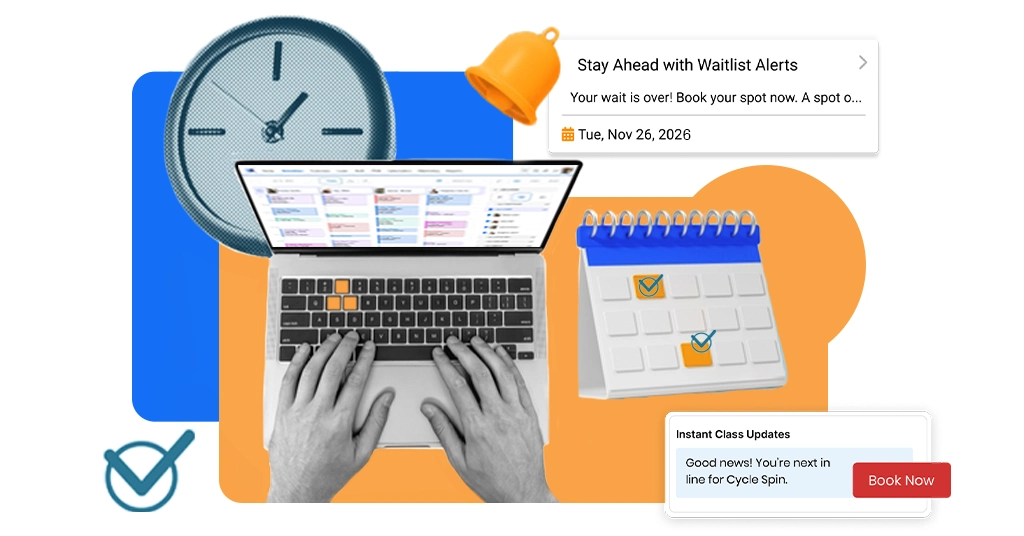
Waitlists are one of the highest-value parts of class scheduling for gyms. When one person cancels, the next person can be auto-invited.
This turns empty spots into paid spots. It also makes members feel like your gym is fair. Because they can see the system working.
A real-life member scenario
A new member wants to start strong. They plan to book three classes this week. If they must call the gym, they may book one class.
If they can book in 30 seconds on their phone, they may book all three. That is not just convenience. That is retention building.
How scheduling software improves staff productivity
Your staff time is valuable. If your team spends hours fixing booking problems, the gym feels stressed. Scheduling software helps in simple ways.
Fewer phone calls and messages
Many calls are about the same things:
- Class times
- Booking help
- Cancellation
- Is there space?
When member can do these tasks on their phone, call drops.
Less manual entry
Manual entry creates mistakes. Mistakes create refunds and complaints. Scheduling software reduces manual entry by letting members book directly.
Automatic waitlists and cancellations
Without software, staff become the waitlist manager. They must call people. They must chase replies. They must keep updating the list.
Software does this in seconds.
Coach clash prevention
A good system helps stop:
- One coach booked in two places at once
- Two classes are scheduled in the same room
- Last-minute “who is teaching this?” confusion
This is a hidden stress reducer.
One central schedule
The gym needs one “source of truth.” Not a spreadsheet plus a WhatsApp message plus a paper list. A central dashboard keeps everyone aligned.
Staff savings example
Let’s say scheduling software saves your staff 10 hours per week.
- Staff cost: $15 per hour
- 10 × 15 = $150 per week
- 150 × 52 = $7800 per year
That is time you can use for:
- Helping members
- Selling trials
- Cleaning the gym
- Supporting coaches
- Fixing the retention problem early
How smart scheduling reduces no-shows
No-shows hurt revenue and class vibe. They also hurt fairness. A waitlist member wanted that spot.
Now the spot is empty. Smart scheduling reduces no-shows with systems, not stress.
Why people no-show
Most people no-show for simple reasons:
- They forget
- Their day changes
- They feel tired and choose comfort
- They think “it won’t matter”
A system can reduce all of these.
Reminder timing strategy
Many gyms use two reminders:
- 24 hours before class: This helps people plan. It also gives time to cancel early.
- 2 hours before class: This catches forgetting right before class. This two-step approach is common because it fits real life.
Push vs SMS
Push reminders are cheap and fast, but they need the app and permission.
SMS reminders are more direct, but they can have an extra cost.
Many gyms use both. They use push for most reminders. They use SMS for high-value sessions or key updates.
The numbers: reminders reduce non-attendance
A systematic review on phone and SMS reminders found the weighted mean relative change in non-attendance was 34% of the baseline non-attendance rate.
This research is not “gym-only.” It is about appointments. But the behavior is the same. Humans forget. Reminders help.
So it is realistic for gyms to see no-show drops like 25% to 35% when reminders and booking rules are set up well.
Revenue recovery example
Let’s say you run a small studio with paid classes.
- Class cap: 20
- Price per spot: $15
- Classes per month: 120
- No-show rate: 20%
If your average class has 15 booked people, that is 5 open spots. But even the booked people do not all show.
Let’s keep it simpel.
Assume you have 2 no-shows per class on average.
2 × $15 = $30 lost per class
$30 × 120 classes = $3600 lost per month
If reminders reduce no-shows by 30% relative, those 2 no-shows become about 1.4 no-shows.
You recover 0.6 sports per class.
0.6 × $15 = $9 recovered per class
$9 × 120 = $1,080 recovered per month
That is $12,960 per year. That is one reason “reduce no-shows at the gym” is a revenue topic, not a feeling topic.
Revenue recovery example
Now let’s look at a bigger gym chain.
- 5 locations
- 10 classes per day per location
- 30 days per month
That is 5 × 10 ×30 = 1500 classes per month
If each class has only 1 empty paid spot you could have filled at $12 value, that is:
1 × $12 × 1500 = 18000 per month
This is why big gyms care so much about scheduling. Small leaks become huge numbers. So, having smart scheduling software on your side never lets your members miss their appointments and ensures lower no-shows.
Core features every gym scheduling software must have
A good system should cover the basics extremely well.
Drag-and-drop calendar
Schedule change. Coaches change. Room change.
Drag-and-drop makes schedule updates fast. Fast updates keep the schedule accurate.
Capacity control
Capacity control stops overbooking. This protects safety and quality. It also reduces member frustration, because the system is fair.
Trainer scheduling
Trainer scheduling should let you:
- Assign coaches
- Stop double booking
- View weekly coach load
This matters in small gyms and big gyms.
Waitlists
Waitlists should be automatic.
They should invite the next person when a spot opens. They should not depend on staff chasing people.
Automated reminders
You need reminders built in. You should also control timing and message style.
Mobile booking
Members should book fast on mobile. In 2026, mobile booking is not a bonus. It is normal life.
Payment integration
If a class needs payment, payment should be connected to the booking. A clean system avoids “soft bookings” that block spots without payment.
Reporting and analytics
You need basic answers:
- Which classes fill up
- Which classes are weak
- No-show rates by class
- Coach attendance trends
- Best times for demand
This helps you improve week by week.
Multi-location support
Multi-location support should include:
- Separate schedules per location
- Staff roles per location
- Reporting per location
- One view across the whole business
Course scheduling
If you run 6-week programs, course scheduling is key. Members should join the course once, not book every session manually.
Advanced features that make a big difference
These features are not “must have” for every gym, but they can change results.
CRM integration
CRM is a system that helps you track leads and follow-ups. When scheduling connects to CRM, you can do things like:
- Follow up with trial members who did not show
- Message members who stopped booking
- Send simple check-ins to improve retention
This makes gym management scheduling more proactive.
Access control integration
This is common in 24/7 gyms. When membership status connects to door access, you reduce admin work and risk. An active member means access works.
An expired member means access stops.
Payment gateway integration
A payment gateway is how cards get charged. Strong integration improves checkout, reduces errors, and improves reporting.
Revenue per class tracking
This tells you which classes are actually making money. Some classes look busy but earn less.
Some classes look smaller but earn more. Revenue per class helps you schedule for profit, not just popularity.
Trainer utilization tracking
This shows:
- How often do trainers teach
- How full their sessions are
- Where your staffing is too heavy or too thin
This matters a lot when payroll is tight.
Attendance reports
Bookings are intent. Attendance is reality. Reports that focus on attendance help you plan better and stop guessing.
Predictive trends
Some systems can spot patterns.
They can suggest:
- Adding a class where demand grows
- Moving a weak class time
- Creating a second session where waitlists are common
This is where scheduling tools are going.
How much does gym scheduling software cost in 2026
Pricing depends on features, member count, and locations. But these ranges are realistics.
Basic plan: $50-$100 per month
These usually cover:
- Basic scheduling
- Booking pages
- Simple reminders
- Basic reporting
Good for small gyms starting out.
Mid-tier: $100-$200 per month
These often add:
- Better member apps
- Stronger automation
- Deeper reports
- More staff controls
Good for most growing gyms.
Enterprise: $200-$400+ per month
These are often for:
- Multi-location gyms
- Deep reporting
- Stronger support
- More advanced automation
Some brands publish entry pricing. For example, Mindbody lists plans starting at $99/month per location. GymRoute lists pricing tiers starting at $99/month.
Hidden costs to watch
Hidden costs are where many gyms get surprised.
Look for:
- SMS fees: Texts often cost extra per message
- Setup and onboarding fees: Some systems charge for migration and training
- Add-ons: Some features may cost extra, like a branded app, extra locations, or advanced marketing tools.
ROI example
Let’s say your software costs $150 per month. That is $1800 per year.
If software helps you recover only 15 paid class spots per month at $15 value:
15 × $15 = $225 per month
$225 × 12 = $2700 per year
That already beats the cost. Now add staff time saved, and the ROI becomes very clear.
Best gym scheduling software in 2026
There is no perfect tool for every gym. But there are strong tools.
Below is a quick comparison, then a simple breakdown in plain words.
Quick comparison
- GymRoute: All-in-one gym-focused scheduling and automation
- Mindbody: Large platform with booking, payments, and marketplace reach
- Zen planner: Popular with gyms, with pricing options around $99/month for some plans
- GymRoute
GymRoute is positioned as one of the top gym scheduling software built for gyms that want more than a calendar. It focuses on real-time scheduling, automation, reminders, and reporting in one system.
It can be a strong choice if you want to avoid stacking too many tools.
The key question to ask is simple: Does it match your exact workflow, like memberships, classes, PT, and reporting needs?
- Mindbody
Mindbody is a large and well-known platform. It offers scheduling, payments, reporting, and listing on the Mindbody app. Pricing pages show plans starting at $99/month per location.
Mindbody can fit gyms and studios that want a big platform and app marketplace reach.
The trade-off is that big platforms can feel complex. Costs can also rise with add-ons, so it is smart to plan ahead.
- Zen Planner
Zen Planner is often used in the gym space and publishes pricing elements, including options around $99/month for some components.
It can be a good fit for gyms that want gym-focused workflows and member management.
The key is to confirm what is included in the plan you choose, so you do not discover important features later.
How to choose the right scheduling software
Choosing the right tool is easier when you follow the steps.
Step 1: Define your gym size and model
Ask:
- Do you run group classes, PT, or both?
- Do you sell memberships, packs, or drop-ins?
- Do you run one location or more?
A small gym needs a clean booking flow and reminders. A multi-location gym needs controls, roles, and reporting by site.
Step 2: Identify must-have features
Most gyms should start with:
- Mobile booking
- Caps and waitlists
- Reminders
- Payment linked to booking
- Attendance tracking
- Basic reports
Do not get distracted by long feature lists. Start with what removes pain today.
Step 3: Check integrations
If you rely on something like access control or a payment tool, confirm integration. Do not accept “yes, we integrate.” Ask for a demo of that exact flow.
Step 4: Test the mobile booking experience
Book a class as a member. Cancel a class.
Join a waitlist. If it feels confusing, your members will feel the same.
Step 5: Evaluate support
Support matters most when something breaks.
Check:
- How fast do they reply
- What support hours look like
- Whether onboarding is guided
- Whether training is included
Step 6: Think long-term
Think 12 to 24 months ahead.
Will this tool still fit if you:
- Grow class volume
- Add coaches
- Add locations
- Add programs and courses
Switching later costs more.
How to switch without disruption
Switching systems can be smooth if you plan it.
Move data carefully
Most gyms need to move:
- Member list
- Membership status
- Credits and packs
- Schedule templates
- Waivers (if supported)
Ask your new provider what can be imported and what cannot.
Train staff in simple stages
Do not teach everything at once. Teach daily tasks first:
- Rosters
- Check-ins
- Cancellations
- Schedule edits
Then teach reports later.
Tell members clearly
Members do not like surprises. Send a short message that explains:
- When the new system starts
- How to log in
- How to book
- Where to get help
Short and clear beats long and confusing.
Roll out in phases
A safe approach:
- Week 1: staff use the new system internally
- Week 2: members start booking in the new system
- Week 3: switch off the old system
This reduces stress.
Watch the first two weeks closely
The first two weeks show issues early. Fix quickly, and the gym will calm down fast.
Common mistakes to avoid
Here are the common mistakes that you should avoid:
Weak cancel rules
If members can cancel at the last second with no cost, no-shows often rise. You need a fair policy. Many gyms use a 12-hour window.
The goal is not to punish. The goal is to protect the schedule and keep it fair.
Ignoring analytics
If you do not check reports, you miss easy wins.
Reports show what to fix:
- Weak time slots
- Classes that need a new coach
- Demand that needs more sessions
Overcomplicating setup
Some gyms build a schedule that is too complex on day one.
Start simple. Get it working. Then improve.
Not using reminders properly
Reminders should be clear. They should include time, class name, and location.
They should make it easy to cancel early if needed.
Poor communication during changes
Most “software problems” are really communication problems. If members do not know what to do, they get frustrated. Clear steps prevent that.
The future of gym scheduling
Scheduling is getting smarter. Here is what is coming.
AI booking prediction
Systems will learn patterns and suggest better schedules. This reduces guessing.
Smart capacity changes
Caps may adjust based on:
- Coach count
- Room limits
- Demand patterns
This helps you keep quality high and still grow revenue.
Personal class suggestions
Apps will suggest classes based on what members book and attend. This supports habit building and retention.
Connected fitness apps
Mobile fitness is still growing fast.
Scheduling will keep connecting to wearables and fitness apps, so member behavior can be supported in smarter ways.
More automation
The future is less admin work.
- More auto reminders.
- More auto waitlists.
- More auto follow-up.
- More auto reporting.
This frees staff to focus on people, not paperwork.
Final thoughts
Gym scheduling software is not just a calendar.
It is a growth tool.
It helps you:
- Reduce admin time
- Reduce booking mistakes
- Reduce no-shows
- Keep classes full more often
- Protect revenue from empty spots
- Improve member experience
- Support retention through easier habits
In 2026, members expect easy booking on mobile. If your scheduling is messy, you will feel it in stress, refunds, and empty spots.
But if your scheduling is smart, your gym will feel calmer and more professional. And calmer gyms grow faster.
If you want a gym scheduling system that is built for real gym operations, look at GymRoute.
GymRoute is designed for gyms that need more than basic booking. It supports real-time scheduling, smart automation, built-in reminders, easy mobile booking, and powerful reporting to help you keep classes full and reduce daily chaos.
Want to see it with your exact class setup, caps, and reminders?
Book a demo and get a clear view of how GymRoute can help you fill more slots with less admin.